
Average Color Finder
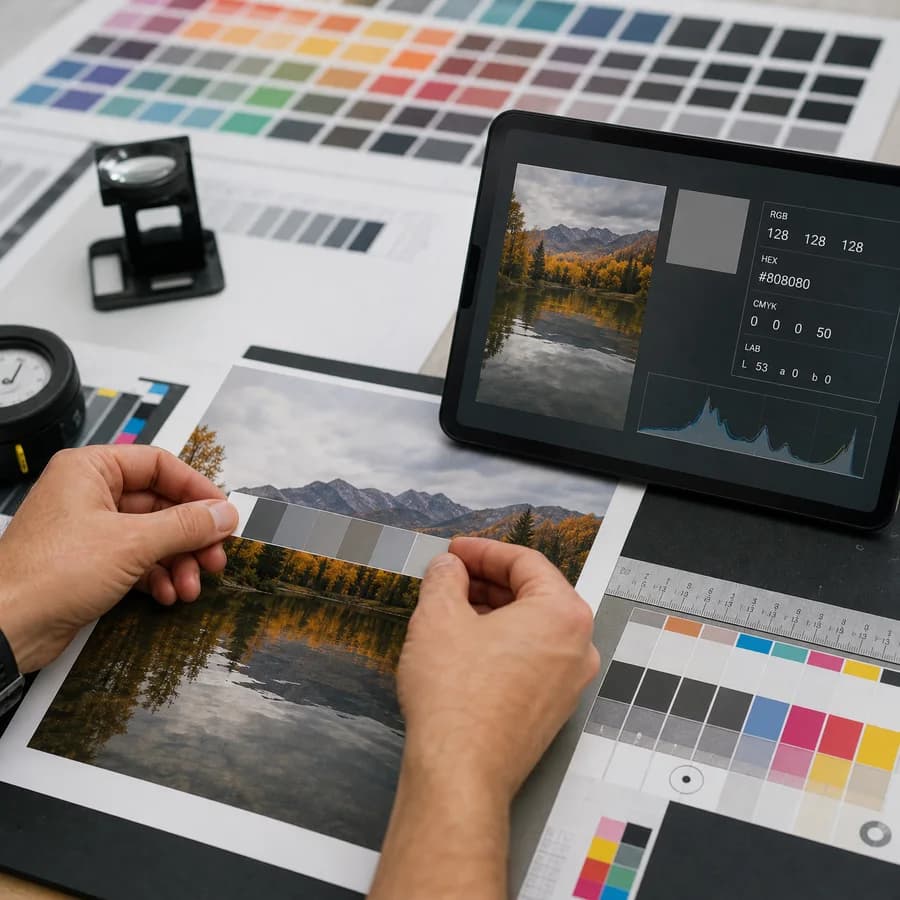
Average Color Finder reads an image locally in your browser, averages its pixels, and gives you a single representative color with HEX, RGB, HSL, and preview swatches.
Use it when you need a fast background color, placeholder color, thumbnail tint, visual QA check, or CSS value based on the overall look of an image.
Drop an image here
JPG, PNG, WebP, GIF, BMP, or AVIF up to 50 MB.
Transparency handling
Average color result appears here
Upload an image, choose how transparency should be treated, and calculate one representative color.
Average Image Color Guide
How the average color is calculated
The tool decodes the selected image, draws it to a canvas, reads the pixel buffer, and calculates the arithmetic mean of the red, green, blue, and alpha channels. The main result is labeled as an average color, not a dominant color, because one large area can outweigh several smaller but visually prominent colors.
- Return copy buttons for HEX, RGB, HSL, and CSS-ready values.
- Show the sampled pixel count and image dimensions so users understand the scope of the result.
- Use deterministic sampling for very large images, or clearly label the result as downsampled when performance limits require resizing.
Transparent and semi-transparent images
PNG, WebP, AVIF, and other image formats can include transparent pixels, so the result makes alpha handling explicit. A useful implementation offers at least an ignore-transparent mode and a composite-against-background mode.
- Ignore fully transparent pixels by default so empty canvas areas do not pull the average toward black or white.
- For semi-transparent pixels, provide an alpha-weighted average or show an average alpha value alongside the color.
- Let users preview the same image composited over white, black, and a custom color when the source has transparency.
Best uses
Average color is most useful when one overall color is needed, not when a palette is needed. It works well for placeholders, blurred image backgrounds, skeleton loading colors, product-list backplates, and comparing batches of images for visual consistency.
- Use average HEX for CSS backgrounds behind image cards or lazy-loading placeholders.
- Use average RGB values for scripts, design tokens, or image-processing checks.
- Use HSL when designers need to reason about hue, saturation, and lightness quickly.
Average color vs dominant colors
Average color and dominant color extraction answer different questions. The average color blends all pixels into one value, while a dominant color tool ranks clusters or frequent colors.
- Use average color when you want one blended representative value.
- Use a dominant colors extractor when you need a palette or the most visible color families.
- Use an image color picker when you need the exact color of one pixel or one selected area.
Privacy and browser-local processing
The page emphasizes that image analysis can run entirely in the browser with file input, object URLs, image decoding, and canvas pixel reads. No upload is required for the core calculation.
- Accept drag-and-drop and file-picker workflows.
- Show file name, type, dimensions, and size without sending the file to a server.
- Handle unreadable or unsupported images with clear local error states.
Compare Average Color Finder
Review this tool beside related online utilities, dedicated apps, and adjacent workflows.
Compare Average Color Finder with other toolsOpen Source Alternatives
Compare this focused browser workflow with proprietary software and online tools that solve similar jobs.
View Average Color Finder open source alternatives