
Barcode Reader from Image
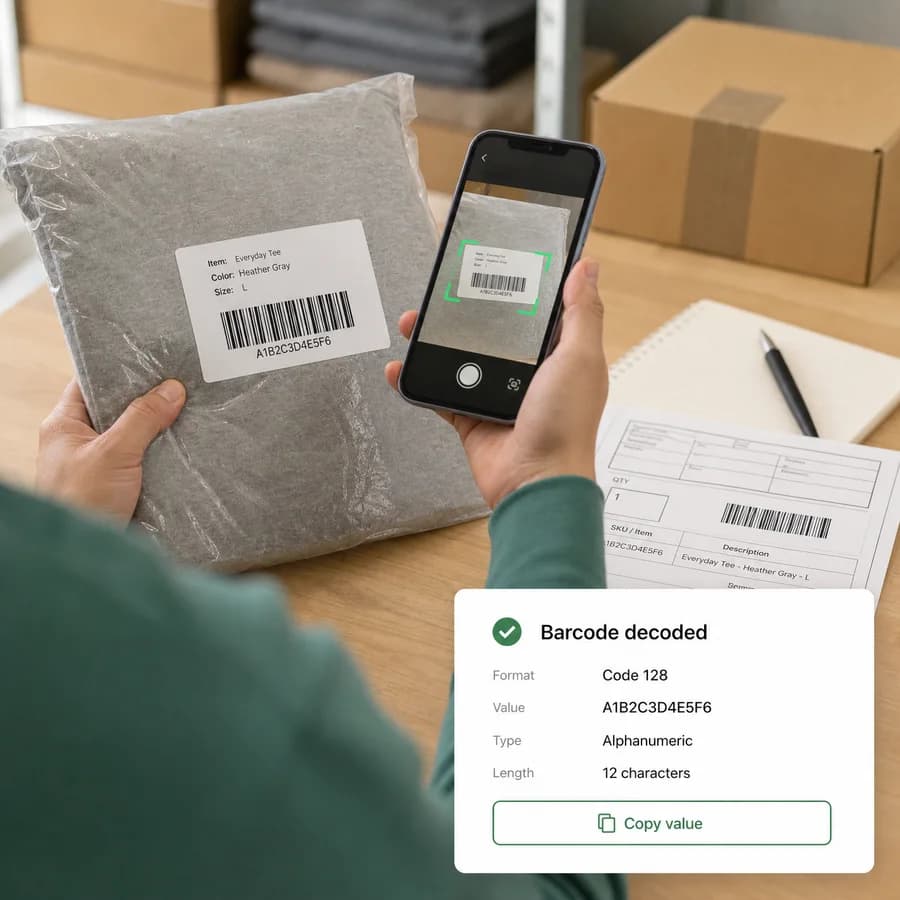
Barcode Reader from Image scans a selected picture, screenshot, product label, shipping label, or inventory tag and returns decoded barcode values in your browser.
Use this barcode scanner from image files as an online barcode reader and barcode decoder from image workflow for UPC, EAN, Code 128, Code 39, ITF, Codabar, and other supported formats.
Choose a barcode image
JPG, PNG, WebP, GIF, BMP, or AVIF files up to 50 MB.
Images are decoded locally in the browser. A tool use is counted only when at least one barcode is decoded.
Decoded barcodes appear here
Upload a product photo, shipping label, inventory tag, or screenshot to read common 1D barcodes and supported 2D codes.
Read Barcodes from Image Files
What this barcode reader scans
The tool reads barcode symbols from browser-decodable image pixels, not file metadata. It is intended for product photos, packaging labels, warehouse tags, shipping labels, screenshots, and scanned documents where the barcode itself is visible.
The implementation tries the browser Barcode Detection API when available and falls back to ZXing for common 1D and selected 2D formats. Result rows show the decoded value, detected format, decoder source, confidence when a browser provides it, and check-digit status where that applies.
- Primary 1D targets include EAN-13, EAN-8, UPC-A, UPC-E, Code 128, Code 39, ITF, and Codabar.
- QR Code, Data Matrix, PDF417, Aztec, and Code 93 may appear when the current browser or ZXing decoder supports them.
- The copy icon in the success card copies every visible result as labeled lines.
- A successful tool use is counted only after at least one barcode is decoded.
How to get a better decode
Barcode readers need enough clean contrast and bar width detail to separate black and white modules. Blurry photos, glare, curved packaging, heavy perspective, cropped quiet zones, or very small barcodes can prevent a reliable read.
If no barcode is found, use a sharper original, crop closer to the symbol while leaving the white border around it, straighten the label, or improve lighting. For long linear barcodes, keep the full width of the code visible.
- Use a full-resolution image instead of a compressed chat preview.
- Avoid photos with reflections across the bars.
- Leave some white margin around UPC, EAN, Code 128, Code 39, ITF, and Codabar symbols.
- Try a crop around one barcode when a picture contains many labels or dense packaging.
Privacy and result limits
Selected images are decoded in the browser. The tool does not add upload endpoints or send the barcode image to a server for recognition.
A decoded barcode value is only the encoded text or number. It is not a product database lookup, price lookup, shipment status check, ownership check, or inventory system query.
- No barcode found, unsupported file errors, and image decode failures do not consume a tool use.
- The page does not automatically open decoded URLs or external systems.
- Treat internal shipping labels, badges, access tags, and inventory barcodes as sensitive.
- Copy results only into systems where the code is expected and authorized.
Supported image and format notes
The upload accepts JPG, PNG, WebP, GIF, BMP, and AVIF images that the current browser can decode. Animated images are treated as browser-rendered image input, not as frame-by-frame video scans.
Native browser barcode support varies, so the page combines it with ZXing where possible. If a format is uncommon, damaged, very dense, or outside the configured decoder set, the image may load normally but still produce no barcode result.
- UPC-A, UPC-E, EAN-13, and EAN-8 results include a check-digit annotation.
- Most browser and ZXing image paths do not report confidence, so confidence is shown only when available.
- Very large images are rejected before pixel scanning to avoid unreliable canvas memory use.
- Use the QR Code Decoder from Image when you specifically want QR payload classification and URL safety hints.