
Base64 to Image Decoder
Base64 to Image Decoder turns pasted Base64 image data or a full data:image/...;base64 URI into a browser-local image preview and downloadable file.
Use this Base64 to image and Data URI to image converter to validate embedded PNG, JPEG, WebP, GIF, SVG, BMP, or AVIF data, copy a normalized Data URI, and save the decoded image.
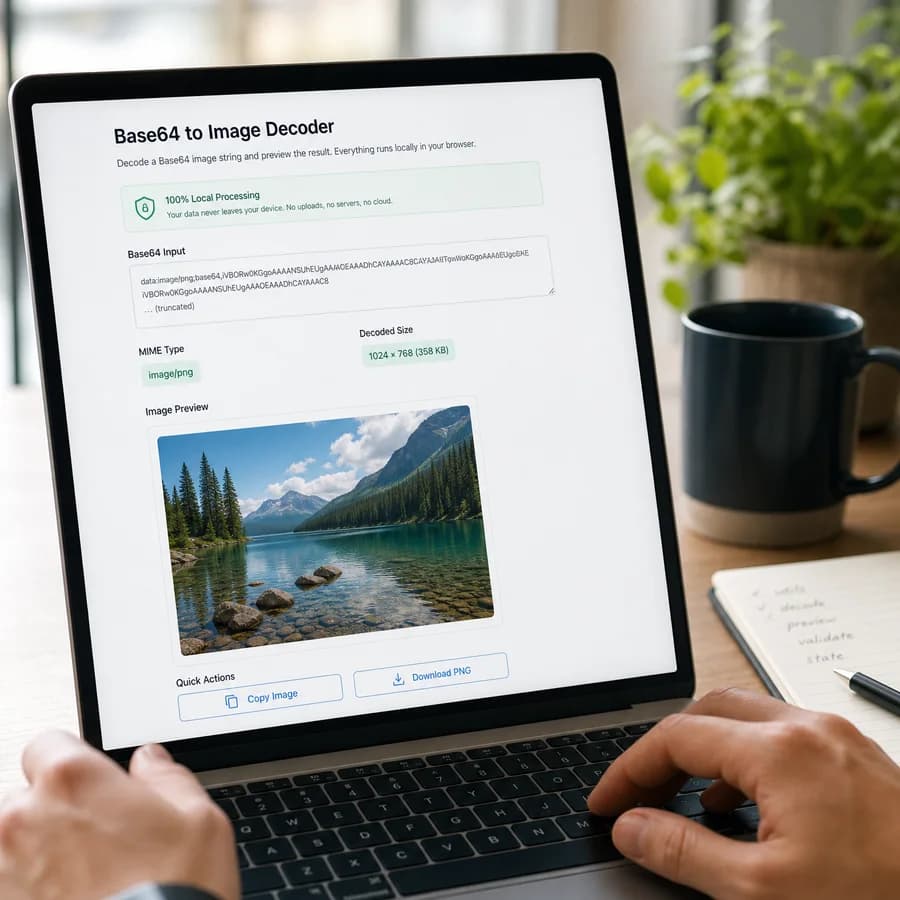
Paste Base64 image data
Paste raw Base64 or a complete data:image/...;base64 URI. Decoding stays in this browser and does not create an upload request.
Base64 text is usually larger than the binary image. Paste SVG and Data URI content only when you trust its source.
Decoded image appears here
Paste Base64 or a Data URI to validate image bytes, preview the image, copy a normalized Data URI, and download the decoded file.
Supported image outputs
Decode PNG, JPEG, WebP, GIF, SVG, BMP, and AVIF Base64 payloads when the bytes are valid. Browser preview support can vary, but valid bytes still download as a safe image filename.
Decode Base64 Images Locally
What you can paste
The decoder accepts a complete Data URI such as data:image/png;base64,... or a raw Base64 payload with the image MIME type selected from the menu. A Data URI prefix takes precedence because it already declares the intended image type.
Whitespace and line breaks are removed before validation, so Base64 copied from JSON, CSS, HTML, email templates, logs, or documentation can still decode when the payload itself is valid.
- Supported MIME types are image/png, image/jpeg, image/webp, image/gif, image/svg+xml, image/bmp, and image/avif.
- Raw Base64 can be detected from common image byte signatures, then falls back to the selected MIME type.
- Successful results show MIME type, raw Base64 length, decoded byte size, preview status, Data URI copy, and image download.
How validation works
Validation separates input problems from browser preview problems. Empty input, malformed Data URIs, unsupported MIME types, invalid Base64 characters, broken padding, and empty decoded bytes are reported before any successful use is recorded.
Once valid bytes decode and a Blob download can be created, the result is considered successful. If the browser cannot render a preview for that MIME type or payload, the tool explains the preview failure while keeping the downloadable file available.
- The tool does not display decoded binary as text.
- The normalized Data URI is built from the validated MIME type and cleaned Base64 payload.
- The download filename uses a safe extension such as decoded-image.png, decoded-image.jpg, decoded-image.webp, decoded-image.gif, decoded-image.svg, decoded-image.bmp, or decoded-image.avif.
When Base64 to image conversion helps
A Base64 image decoder is useful when an image is embedded inside an HTML img tag, CSS url(...), API response, JSON fixture, database value, support ticket, or email template and you need to see what the encoded string represents.
This tool is the reverse of Image to Base64 Encoder. The encoder turns a selected image file into Base64 text; this decoder turns pasted Base64 text back into an image preview and downloadable file.
- Use raw Base64 when another system stores only the encoded payload.
- Use a full Data URI when the media type and Base64 flag are already included.
- Use the copied normalized Data URI when you need a predictable data:image/...;base64 value for HTML, CSS, or testing.
Privacy and safety notes
Decoding happens in your browser. The tool does not add an upload endpoint, remote URL fetch, server-side image parser, or storage step for the pasted image data.
Base64 text is often larger than the original binary image and can make HTML, CSS, or JSON harder to cache and maintain. Treat it as a useful transport or embedding format, not as a way to compress images.
- Paste SVG and Data URI content only when you trust its source.
- The tool previews SVG through a Blob URL image context instead of injecting decoded SVG markup into the page.
- Avoid pasting private or sensitive image data into any page you do not trust, even when processing is browser-local.