
Color Palette Generator from Image
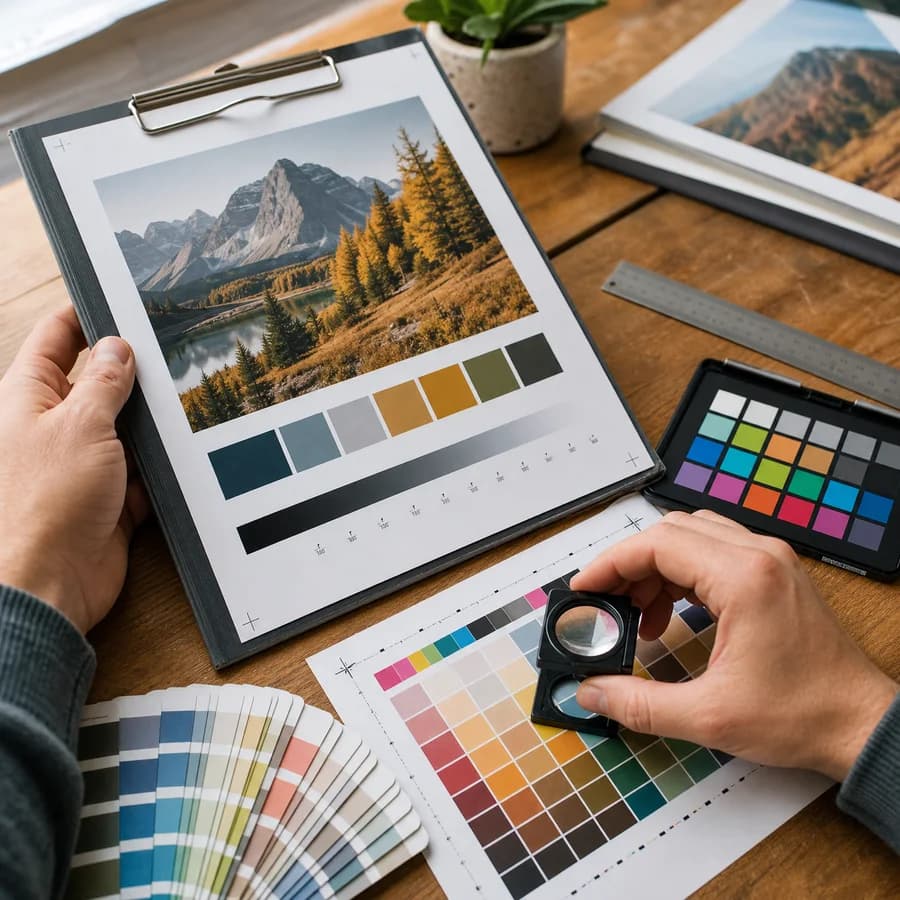
Color Palette Generator from Image turns a photo, screenshot, illustration, or brand asset into usable color swatches without uploading the file to a server.
Extract a color palette from an image, copy HEX, RGB, or HSL values, and download CSS, JSON, or PNG palette output for design handoff.
Drop an image here
The image is decoded in this browser, sampled on a local canvas, and never uploaded for palette extraction.
Palette Controls
Palette Result
Copy one value or export the whole palette.
No image selected
Choose an image to generate dominant palette swatches with HEX, RGB, and HSL values.
Generate a color palette from an image
How this color palette generator from image works
The tool reads the selected image in your browser, draws a scaled copy to a local canvas, samples pixel data, groups similar colors, and returns representative swatches for UI, branding, illustration, and social design work.
Each swatch shows the visible color, HEX code, RGB value, HSL value, and copy controls. Whole-palette exports include a HEX list, CSS custom properties, JSON, and a PNG swatch strip.
- Common browser-decodable image formats work, including JPG, PNG, WebP, GIF still frames, BMP, and AVIF when the current browser supports them.
- All processing uses local file input, object URLs, canvas drawing, and ImageData sampling.
- The swatch control supports compact brand sets and broader mood palettes from 4 to 12 colors.
- Color values are formatted as uppercase 6-digit HEX, CSS rgb(), and CSS hsl() output.
Palette quality and filters
A useful image palette generator does more than count exact pixels. Photos often contain compression noise, shadows, highlights, gradients, skin tones, or repeated backgrounds that can crowd out the colors users care about.
This tool downscales large images for speed, ignores transparent pixels, groups similar RGB colors, deduplicates near-identical swatches, and lets you filter near-white, near-black, or low-saturation colors before generating again.
- Use fewer swatches for a focused brand palette and more swatches for artwork, product shots, or mood boards.
- Turn on the white, black, or low-saturation filters when backgrounds dominate the first palette.
- Sort is dominance-first so the largest visual color groups appear early.
- Very close colors are merged so JPEG artifacts and gradients do not produce duplicate swatches.
Copy and export workflow
The page is optimized for fast design handoff. You can upload, inspect, copy one color, copy the whole palette, and download output without navigating away or creating a project.
Copy formats match common usage: a plain HEX list for mood boards, CSS custom properties for front-end work, JSON for app pipelines, and a PNG swatch strip for quick visual sharing.
- Copy individual HEX, RGB, and HSL values from each swatch.
- Copy all HEX values or CSS variables from the result header.
- Download structured JSON when you need repeatable palette data.
- Download a PNG swatch strip for briefs, presentations, and visual notes.
Privacy and browser-local processing
Image palette extraction can happen entirely on the client side, so this page does not need a file upload endpoint. That matters for client work, unreleased product images, personal photos, and private brand assets.
The selected image is decoded by your browser and sampled on a local canvas. The source image and extracted palette are not uploaded for analysis.
- The tool does not send image bytes to a server for palette generation.
- Local object URLs are used for previews and released when the selection changes.
- Successful uses are counted only after a palette is generated and access allows the result to be shown.
- Avoid putting private filenames or palette values into shared notes unless you intend to share them.
When to use HEX, RGB, and HSL
HEX is compact and widely accepted in design tools, style guides, CSS, and CMS fields. RGB is useful when code, canvas work, or image-processing tools need explicit red, green, and blue channels.
HSL is useful for design systems because hue, saturation, and lightness make it easier to reason about related tints, shades, and accents. The extracted colors are still sampled from the source image, so verify contrast separately when a color will be used for text.
- Use HEX for quick copy/paste into brand notes and design apps.
- Use RGB for programming workflows and pixel-level tools.
- Use HSL when adjusting lightness or saturation in CSS.
- Use the PNG export when a human needs to review the palette visually.
Compare Color Palette Generator from Image
Review this tool beside related online utilities, dedicated apps, and adjacent workflows.
Compare Color Palette Generator from Image with other toolsOpen Source Alternatives
Compare this focused browser workflow with proprietary software and online tools that solve similar jobs.
View Color Palette Generator from Image open source alternatives