
Compress Image to 50KB
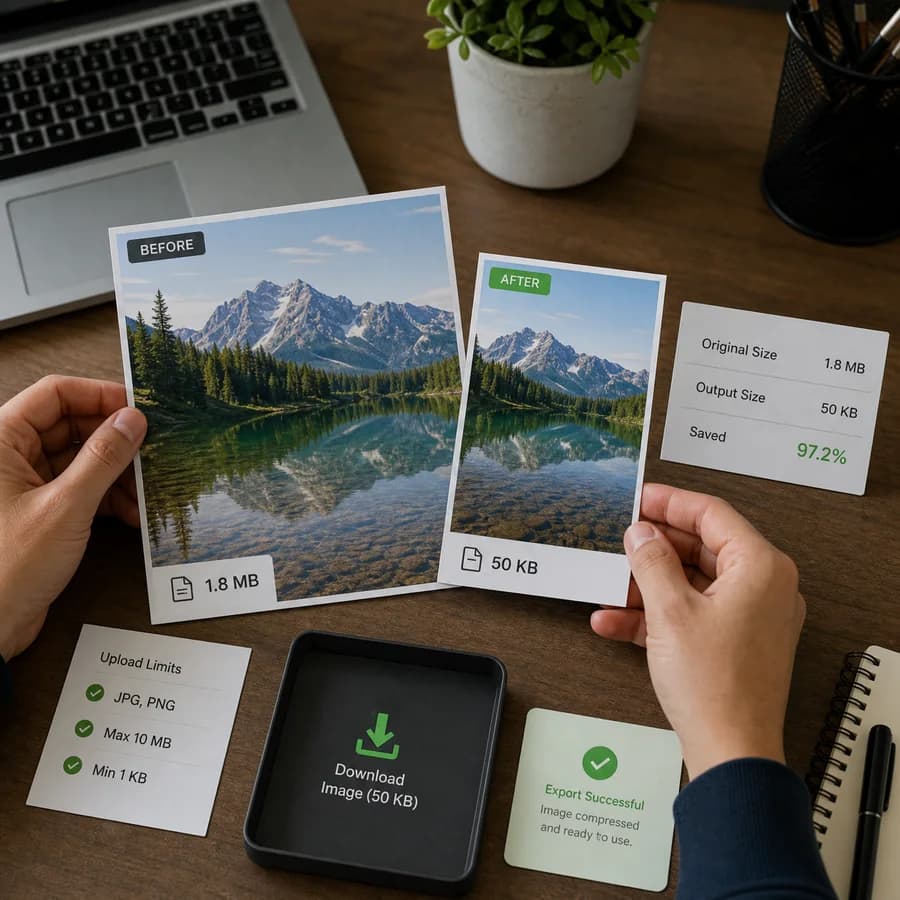
Compress Image to 50KB helps create a smaller JPG or WebP copy for strict upload limits, forms, resumes, profile photos, and lightweight web assets.
Reduce image size to 50KB online by letting the browser adjust quality and dimensions, then download the clearest output that fits the target when possible.
Supported image types
Target-size compression accepts common browser-decodable image files and exports a smaller JPEG or WebP copy. Animated images are treated as a single decoded frame by browser image decoding.
Choose an image for 50 KB
JPG, JPEG, PNG, WebP, and AVIF images up to 50 MB.
Compression result
Target match, output size, dimensions, and download.
50KB Image Compression Guide
What a 50 KB image target means
A 50 KB target is common for upload portals, job applications, ID-photo workflows, resume forms, signatures, and small profile images. It is much stricter than ordinary web optimization, so a compressor usually needs to reduce both image quality and pixel dimensions to stay under the limit.
This tool works locally in the browser. It decodes the selected image, tries JPEG or WebP output, searches quality settings, and scales dimensions down when quality alone cannot hit 50 KB. The output is a new compressed copy; the original file is not uploaded or modified.
- Use JPEG when a form or portal expects JPG/JPEG files.
- Use WebP when the target site accepts modern web images and smaller output matters.
- Large phone photos may need dimension reduction because 50 KB is a tight target.
- Transparent PNGs exported as JPEG get a white background; choose WebP when transparency matters.
How to get the clearest 50 KB result
The clearest result depends on the subject. A face, document, logo, or product photo may need different tradeoffs. For photos, WebP often keeps cleaner detail at the same byte budget. For official forms, JPEG is usually safer because it is accepted by more upload systems.
If the closest output is still above 50 KB, crop away empty background, choose WebP, or start from a smaller image. Extreme compression targets can make detailed photos look soft or blocky, so inspect the preview before using the result in an application or document.
- Crop unnecessary background before compressing small headshots or signatures.
- Prefer simple backgrounds when preparing photos for strict KB limits.
- Use 100 KB instead of 50 KB when the destination allows it and detail matters.
- Keep the original file if you may need a larger or cleaner export later.
Privacy and browser limits
Browser-local compression avoids uploading sensitive images to a server. The file is decoded, drawn to a canvas, encoded as JPEG or WebP, and offered as a local download. Canvas export normally strips original camera metadata because the browser creates a fresh image file.
Browser support and memory limits still matter. Very large images may fail on older devices, and some browsers may not decode AVIF or encode WebP in every environment. If a format is not supported by your browser, use JPEG output or convert the file first.
- The compression result depends on browser image decoding and canvas encoding.
- Canvas export is lossy for JPEG and WebP because it changes quality and sometimes dimensions.
- Animated images are decoded as a still image, not preserved as animation.
- The tool counts only successful under-target outputs as paid/free tool uses.