
EXIF Remover
EXIF Remover strips hidden image metadata from JPG, JPEG, PNG, WebP, and AVIF files by re-encoding a clean copy in your browser.
Remove EXIF metadata, GPS location, camera model, timestamps, XMP, IPTC, and thumbnail data before sharing photos online.
Supported file types
This remover strips metadata by creating a clean browser export. Formats that cannot be safely rewritten in the browser are intentionally not listed.
Re-encoded as a clean JPG copy to remove EXIF, GPS, XMP, IPTC, thumbnails, and camera tags.
Re-encoded as a clean JPEG copy to remove EXIF, GPS, XMP, IPTC, thumbnails, and camera tags.
Re-encoded as a clean PNG copy to remove text chunks, eXIf chunks, XMP, and color/profile metadata that browsers do not preserve through canvas export.
Re-encoded as a clean WebP copy to remove embedded EXIF, XMP, and ICC-style metadata.
Decoded in the browser and exported as a clean WebP copy because browser canvas export support for AVIF is inconsistent.
Choose an image
JPG, JPEG, PNG, WebP, and AVIF files up to 25 MB.
Clean image result
Download a re-encoded copy without original image metadata.
EXIF Removal and Photo Privacy Guide
What EXIF removal does
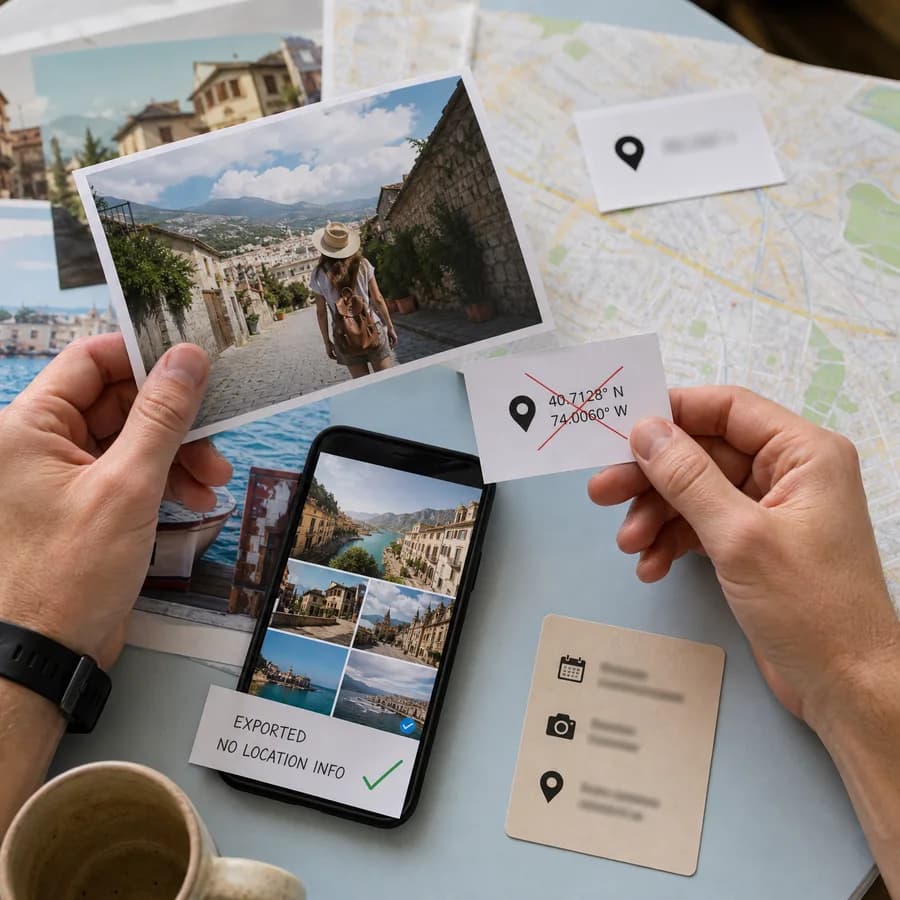
EXIF metadata is hidden information that cameras and phones can store inside image files. It can include GPS coordinates, camera make and model, capture time, orientation, lens details, exposure settings, embedded thumbnails, software names, author fields, copyright fields, and editing history.
This tool removes metadata by decoding the visible pixels in the browser and exporting a new image file. That clean export keeps the visible picture while dropping the original metadata containers that normally hold EXIF, GPS, XMP, IPTC, thumbnails, and similar image metadata.
- JPG and JPEG files download as clean JPG copies.
- PNG files download as clean PNG copies.
- WebP files download as clean WebP copies.
- AVIF files download as clean WebP copies because browser AVIF export support is inconsistent.
When to remove image metadata
Removing photo metadata is useful before posting images publicly, sending photos to strangers, attaching photos to marketplace listings, sharing screenshots from private devices, or publishing images taken near sensitive places. GPS metadata can reveal a home, workplace, school, hotel, route, or exact capture location.
Metadata removal is also useful when the image should not expose device information, creation time, editing software, embedded previews, or author fields. A clean browser export is simple for personal privacy checks, but high-stakes legal, newsroom, or enterprise workflows should still use a dedicated metadata policy and verify the final file.
- Remove GPS before sharing original phone photos.
- Remove camera and lens details before posting private images.
- Remove embedded thumbnails because they can preserve an older crop or preview.
- Recheck the downloaded clean copy if the file will be published widely.
Limits of browser metadata stripping
A browser-local image re-export is designed for supported image formats, not every possible file. It does not clean PDFs, Office files, videos, RAW camera files, HEIC files, TIFF files, steganographic content, visible watermarks, or information that is part of the image pixels themselves.
Re-encoding can slightly change file size, compression, color handling, and format. If exact archival fidelity is required, keep the original private and use professional metadata tooling on a copy. If visual appearance is more important than preserving the original container, the browser export is a practical privacy step.
- Unsupported formats are not listed in the upload area.
- The clean file is a new export, not an in-place edit of the original.
- The original file stays on your device and is not changed by the tool.
- Metadata that is visually printed into the image cannot be removed by EXIF stripping.