
EXIF Viewer
EXIF Viewer helps you inspect hidden metadata in photos, videos, PDFs, SVGs, XMP sidecars, XML, JSON, TXT, and CSV files without uploading the file.
Photo metadata viewer and video metadata checker results show camera tags, GPS fields, document info, dimensions, color profiles, sidecar fields, and safe file details when those fields exist.
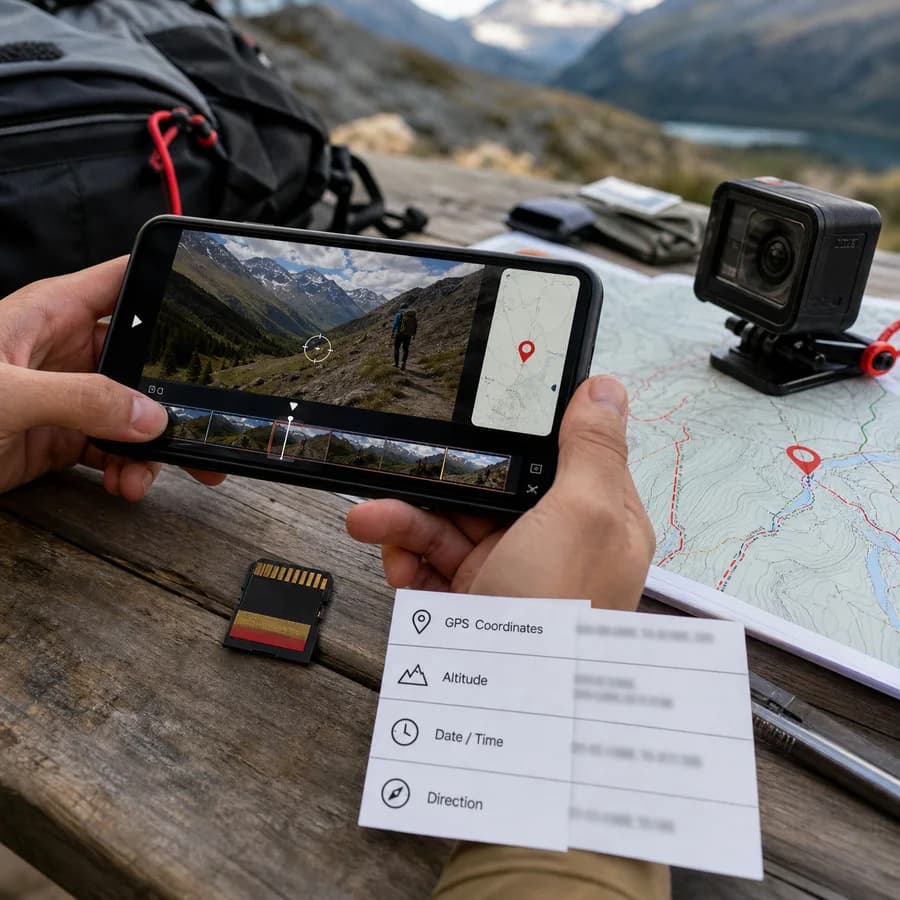
Choose a file
Photos, videos, PDFs, SVGs, XMP sidecars, XML, JSON, TXT, and CSV files. Large media files are scanned locally in chunks or from metadata headers where possible.
Metadata result
EXIF, GPS, XMP, IPTC, document, and file-level fields.
Supported file types
Image files can expose EXIF, GPS, XMP, IPTC, ICC, MPF, MakerNote, dimensions, and other embedded metadata when present.
Video files are checked for readable QuickTime, ISO-style, and container-level location strings plus file-level details.
These files do not use camera EXIF in the same way, but the viewer can expose document info, XMP sidecar fields, SVG metadata, and useful file details.
EXIF and File Metadata Guide
What an EXIF viewer can show
EXIF is the camera metadata commonly embedded in JPEG, TIFF, HEIC, AVIF, WebP, and some PNG files. A useful EXIF viewer should surface capture time, camera make and model, lens data, exposure settings, orientation, dimensions, GPS fields, and related metadata without forcing the user to understand raw tag groups first.
Modern files often contain more than EXIF. XMP can store editing history, creator fields, labels, rights data, and sidecar metadata. IPTC is common in publishing workflows. ICC profiles describe color handling. Video containers can store location strings in QuickTime or ISO media metadata. PDF and SVG files can expose document-level metadata even though they are not camera EXIF files.
- Photos and images: JPEG, JPEG XL, DNG, TIFF, PNG, HEIC, HEIF, AVIF, WebP, and GIF.
- Videos: MOV, MP4, M4V, 3GP, 3G2, QuickTime, AVI, MKV, WebM, MPEG, MPG, TS, MTS, M2TS, WMV, FLV, and OGV files when readable location strings are present.
- Documents and sidecars: PDF, SVG, XMP, XML, JSON, TXT, and CSV metadata exports.
How to read the result
The result is grouped by metadata family. File details are basic local properties such as name, type, and size. Image metadata groups come from embedded image structures such as EXIF, GPS, XMP, IPTC, ICC, PNG, GIF, or TIFF fields. Video results focus on readable QuickTime or ISO location metadata because browser-local video metadata support is more limited than image metadata support.
If the result only shows file details, that usually means the file type is supported but no readable embedded metadata was found by the browser parser. That is normal for files exported through messaging apps, social platforms, image optimizers, screenshot tools, transcoding tools, or privacy-cleanup workflows.
- Use the important fields first: camera make, model, date, dimensions, GPS latitude, GPS longitude, creator, title, and rights fields.
- Use raw groups when you need technical verification across EXIF, XMP, IPTC, ICC, PDF, SVG, or sidecar metadata.
- Treat missing metadata as a real answer, not automatically as a tool failure.
Privacy and sharing checks
Metadata can reveal more than the visible file content. GPS coordinates can point to a home, workplace, school, hotel, or travel route. Camera serial numbers, creator names, editing tools, timestamps, document titles, PDF producers, and sidecar fields can also identify a person, workflow, or organization.
A browser-local metadata viewer is useful before sharing because it lets you inspect what is embedded in the selected file. If metadata should not travel with the file, use a dedicated removal or export workflow after viewing it, then recheck the exported copy.
- Check original phone photos and videos before publishing or sending them to strangers.
- Check PDFs and SVGs for author, title, creator, producer, and hidden metadata fields.
- Check XMP sidecars and metadata exports before attaching them to client, legal, or publishing workflows.