
Grayscale Converter vs Gifgit
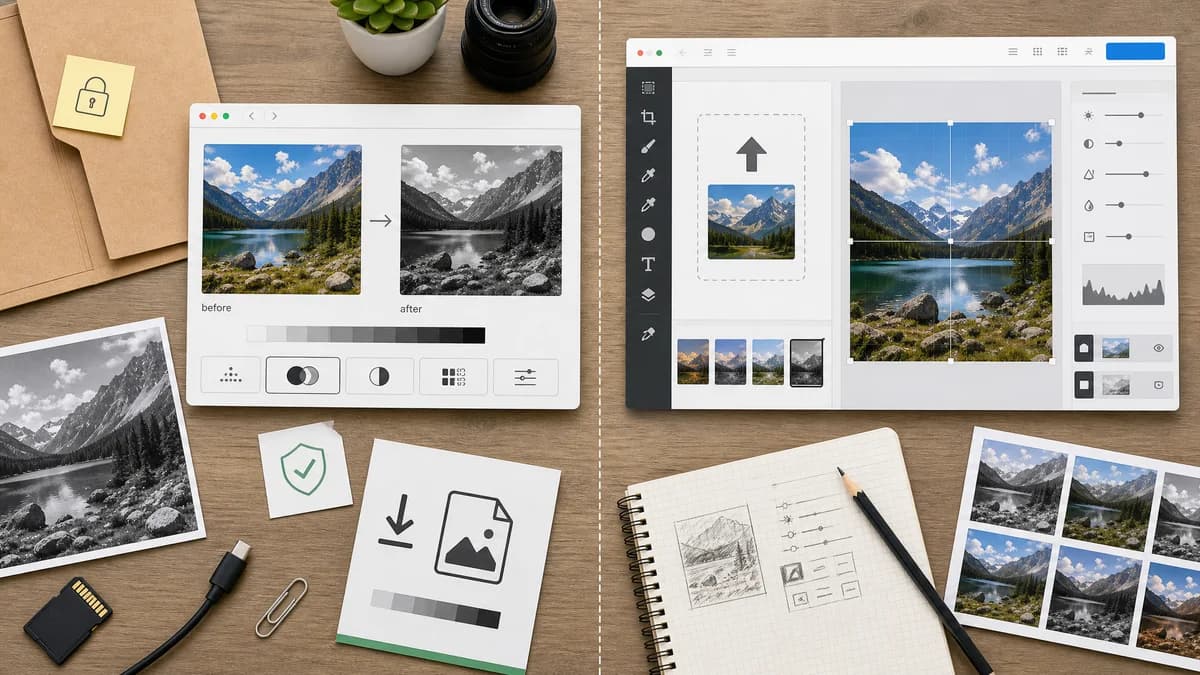
Grayscale Converter is the baseline in this comparison: Convert an uploaded image to grayscale in your browser, compare the original and converted result, then download the black-and-white output without sending the file to a server.
Gifgit provides a free online grayscale image effect inside an image editor, with upload or sample image options.
Quick verdict
Gifgit is a straightforward online editor option. TextFaker can differentiate by making local processing, formula control, and verification central to the tool.
How Grayscale Converter fits
TextFaker Grayscale Converter focuses on a privacy-first local conversion flow with clear formula choices, before/after comparison, and a direct downloadable output rather than a broader editor experience.
How Gifgit fits
Gifgit's official page describes quickly creating grayscale images or photos online in its free image editor by uploading an image from a computer or using a sample image.
Side-by-side comparison
| Decision point | Grayscale Converter | Gifgit | Takeaway |
|---|---|---|---|
| Tool framing | Our workflowDedicated utility page | Competitor workflowGrayscale page within a free online image editor | TextFaker is more purpose-built. |
| Input flow | Our workflowdrag-and-drop upload via shared component | Competitor workflowUpload from computer or use a sample image | Both need an easy start; TextFaker adds strong file-state UX. |
| Conversion controls | Our workflowluminance and average-style options | Competitor workflowGrayscale effect described at page level | TextFaker is more transparent about output. |
| Preview | Our workflowbefore/after preview | Competitor workflowEditor preview experience | TextFaker makes before/after comparison explicit. |
| Access model | Our workflowUse shared TextFaker access/paywall flow | Competitor workflowFree online editor page | TextFaker ensures the paywall flow does not interrupt basic understanding of the tool. |
| Documentation | Our workflowSEO, comparisons, alternatives, and tests | Competitor workflowShort task page for the effect | TextFaker provides more educational and evaluative content. |
Use Grayscale Converter when
- Local conversion with clear privacy language
- Formula-specific grayscale output
- Users who need a direct utility page
- TextFaker ecosystem consistency
Use Gifgit when
- Free online editor users
- People who want to test with sample images
- Quick grayscale effect workflows
- Users browsing multiple image effects
Detailed comparison
Direct Utility Fit
Gifgit is a relevant direct competitor for users searching for a free online grayscale image effect. It is less of a platform competitor than Canva or Adobe Express.
- Keep comparison practical.
- Focus on workflow and controls.
Local Processing
TextFaker clearly states and implement browser-local conversion so users understand that the image does not need to be sent to a server for grayscale processing.
- Use local canvas processing.
- Do not require remote processing for the conversion step.
Preview Needs
A side-by-side view is more useful than only showing the edited image because users can judge contrast and brightness changes.
- Show original and converted previews.
- Include zoom or fit behavior if consistent with existing tools.
Test Plan
Tests cover the drop zone, image decode, conversion methods, output filename, and download button state.
- Use focused tests for the tool.
- Run the full suite after implementation.
- Run tools verification as required by repo instructions.
Research notes
- Gifgit's official page confirms upload or sample image use for grayscale conversion.
- The comparison is designed to not invent details about formula control or local-only behavior for Gifgit.
- Gifgit is useful as a lightweight online-editor comparison.
Official source
The only outbound competitor link on this page is placed here for source checking after the comparison.
Official Gifgit source