
Grayscale Converter vs GIMP
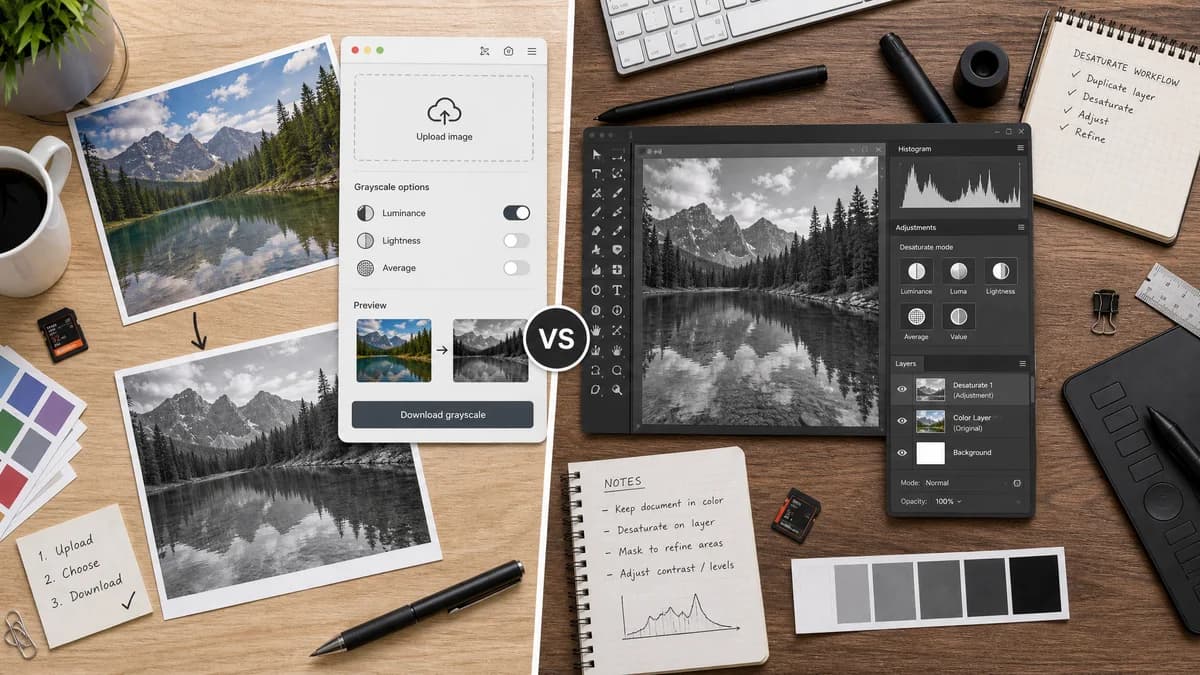
Grayscale Converter is the baseline in this comparison: Convert an uploaded image to grayscale in your browser, compare the original and converted result, then download the black-and-white output without sending the file to a server.
GIMP provides advanced desaturation modes in a full desktop image editor.
Quick verdict
GIMP is more powerful and precise for desktop editing. TextFaker is more convenient for quick browser-local conversion with a simpler UI.
How Grayscale Converter fits
TextFaker Grayscale Converter brings a small subset of grayscale choices to the browser for users who do not want to install or learn a full editor.
How GIMP fits
GIMP's official manual documents Desaturate options including luminance, luma, lightness, average, and value, and explains that desaturation can operate on an RGB layer without converting the whole image mode to grayscale.
Side-by-side comparison
| Decision point | Grayscale Converter | GIMP | Takeaway |
|---|---|---|---|
| Software model | Our workflowBrowser tool | Competitor workflowOpen-source desktop editor | TextFaker is easier to access; GIMP is deeper. |
| Conversion modes | Our workflowluminance and average-style options | Competitor workflowOfficial docs list luminance, luma, lightness, average, and value | GIMP has a richer documented mode set. |
| Layer support | Our workflowSingle uploaded image conversion implemented | Competitor workflowDesaturate operates on active layers in RGB images | GIMP is better for layered editing. |
| Installation | Our workflowNo install beyond a browser | Competitor workflowRequires desktop software installation | TextFaker is better for quick access. |
| Privacy | Our workflowbrowser-local processing | Competitor workflowDesktop local processing | Both can be private; GIMP does not need web upload. |
| Learning curve | Our workflowSmall tool with limited controls | Competitor workflowFull editor with menus and advanced options | TextFaker is better for users who only need grayscale output. |
Use Grayscale Converter when
- Quick browser conversion
- Users who need no installation
- Simple before/after preview
- Basic formula choices
Use GIMP when
- Open-source desktop workflows
- Layer-aware image editing
- Advanced desaturation modes
- Users needing masks, selections, and full editing controls
Detailed comparison
Open Source Benchmark
GIMP is an important open-source alternative because it documents grayscale-related modes clearly. It can guide TextFaker's method labels and educational content.
- Use GIMP documentation as a reference for mode naming.
- Do not claim TextFaker is more powerful.
Mode Selection
GIMP shows that luminance, luma, lightness, average, and value are meaningful distinct options. TextFaker can start with a smaller set and expand if the UI remains clear.
- Start with luminance and average.
- Consider luma or lightness as advanced options.
- Explain differences without overwhelming users.
Privacy Comparison
GIMP is local desktop software, so TextFaker's privacy advantage is convenience rather than stronger locality. The comparison is designed to acknowledge this.
- Say both can avoid server upload.
- Emphasize browser convenience for TextFaker.
Alternative Page
GIMP is designed to be included in open-source alternatives content with an honest note that it is best for users who need full image editing rather than a single web utility.
- Add GIMP to open-source alternatives.
- Mention layer and selection capabilities.
- Mention installation requirement.
Research notes
- GIMP official docs provide concrete formulas and mode names that can inform TextFaker's own formula documentation.
- GIMP is not a direct web competitor but is a strong open-source alternative.
- TextFaker avoids implying GIMP uploads files; it is local desktop software.
Official source
The only outbound competitor link on this page is placed here for source checking after the comparison.
Official GIMP source