
HEIC to JPG Converter
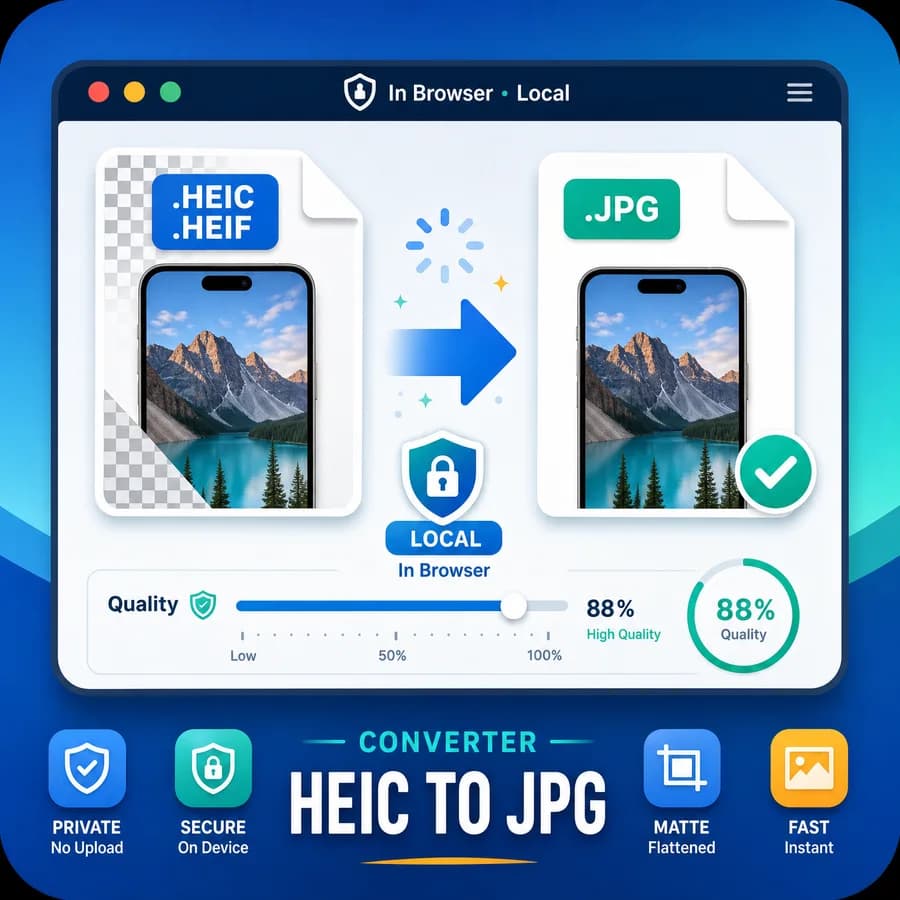
HEIC to JPG Converter turns iPhone HEIC and HEIF photos into widely compatible JPG/JPEG files directly in your browser when heic2any can decode the source file.
Upload a .heic or .heif image, choose JPEG quality and a matte color for any alpha pixels, then download a verified image/jpeg .jpg result without using a server-side conversion route.
Choose a HEIC or HEIF image
HEIC and HEIF images up to 50 MB, including .heic, .heif, image/heic, image/heif, and sequence MIME inputs. JPEG has no alpha channel, so transparent pixels are flattened over the selected matte color.
JPG output is locked for this dedicated HEIC to JPG Converter.
image/jpeg .jpg
Transparent pixels are flattened over this color for JPG output.
JPG conversion result
image/jpeg MIME, .jpg extension, preserved dimensions, file size, filename, quality setting, matte color, and Blob checks.
No image selected
Choose a HEIC or HEIF image to create a verified JPG output file.
HEIC input and JPG output checks
Source images
Output checks
- MIME type matches the selected encoder.
- Download extension matches the output MIME.
- Decoded output dimensions match the source pixels.
- Blob generation succeeds with a nonzero file size.
How HEIC to JPG conversion works
What this converter should accept
The tool is dedicated to HEIC and HEIF input only, not a general image converter. Accept files by extension and MIME type so camera-roll exports, drag-and-drop uploads, and browser file pickers all work consistently.
Use the existing HEIC detection pattern from the GPS Coordinates from Photo tool, then narrow it for conversion: .heic, .heif, image/heic, image/heif, image/heic-sequence, and image/heif-sequence is treated as HEIC-family input.
- Reject unrelated JPG, PNG, WebP, AVIF, BMP, GIF, TIFF, and SVG files with a clear format-specific message.
- Show the original filename, input MIME type when available, file size, and detected HEIC/HEIF status before conversion.
- Keep processing browser-local whenever heic2any can decode the file; do not add a server route for the standard path.
Output contract
The successful result is a newly generated JPEG Blob, not a renamed HEIC file. The UI should display the output MIME type, extension, dimensions, and byte size so users can confirm they have a real JPG copy.
Use .jpg as the deterministic download extension and image/jpeg as the output MIME type. Copy text and download labels should remain stable so tests can assert exact wording.
- Output MIME: image/jpeg.
- Output filename: original basename plus .jpg, with unsafe characters normalized by the existing converter-family pattern.
- Result checks: generated Blob exists, Blob size is greater than zero, dimensions are available after decode, and download URL is created and revoked safely.
- Copy-all text includes labeled lines for input file, output file, output MIME, dimensions, file size, quality, matte color, and local-processing status.
JPEG quality behavior
heic2any can request JPEG output, and canvas-based JPEG export supports a quality argument in the 0 to 1 range for image formats with variable quality. The UI exposes this as a human-readable percentage while passing a normalized quality value to the conversion/export path.
Quality is described as a size and compression control, not as a guarantee that visual quality or metadata will be preserved exactly. If a browser ignores or clamps the quality value, the result should still be treated as a valid JPEG but the UI avoids promising byte-perfect determinism.
- Default to a practical JPEG quality such as 0.92, matching common high-quality photo export behavior.
- Allow a bounded quality range, for example 0.1 to 1.0 or 10% to 100%, and show the chosen value in the result summary.
- Tests should compare lower and higher quality outputs with generated fixture images only when the encoder behavior is stable enough in the test browser.
Transparency and alpha handling
Some HEIF-family images can carry alpha or auxiliary image data, but JPEG cannot store transparency. The converter must flatten any transparent or semi-transparent pixels over a chosen matte color before exporting image/jpeg.
The default matte is white for broad compatibility, but the UI makes the matte explicit and visible. Users converting stickers, cutouts, or composited iPhone images should not be surprised when transparency is removed.
- State that JPG has no alpha channel and the output will be opaque.
- Provide a matte color control, defaulting to #ffffff, and include that matte in copy/download result text.
- If alpha cannot be detected reliably after heic2any decode, still document the output rule: JPEG export is opaque and any decoded alpha is flattened before download.
- Avoid claiming that depth maps, live photo motion, HDR gain maps, or HEIC metadata are preserved in the JPG output.
Privacy and browser support notes
The core SEO promise is local conversion, but HEIC browser support is uneven, which is why the existing heic2any dependency matters. The page should explain that conversion happens on the device when the decoder supports the file, and failures can happen with unsupported HEIC variants or very large images.
The strongest user intent is compatibility: people often need a JPG copy for Windows, Android, older websites, uploads, forms, email, and apps that do not accept HEIC or HEIF.
- Keep the upload helper copy focused on iPhone HEIC/HEIF photos and JPG/JPEG output.
- Show loading and failure states because HEIC decoding can be slower than ordinary browser-readable formats.
- Use nofollow external links for references and any comparison or alternative pages that link to third-party tools.
References
- heic2any GitHub repository
- heic2any demo and documentation
- Library of Congress HEIF format description
- Library of Congress HEIC/HEIX format description
- Nokia HEIF technical information
- Apple HEIF and HEVC media support
- Microsoft HEIF Image Extension
- MDN HTMLCanvasElement.toBlob
- WHATWG HTML canvas image export
- Can I use HEIF/HEIC image format
Compare HEIC to JPG Converter
Review this tool beside related online utilities, dedicated apps, and adjacent workflows.
Compare HEIC to JPG Converter with other toolsOpen Source Alternatives
Compare this focused browser workflow with proprietary software and online tools that solve similar jobs.
View HEIC to JPG Converter open source alternatives