
Image Histogram Generator + CSV
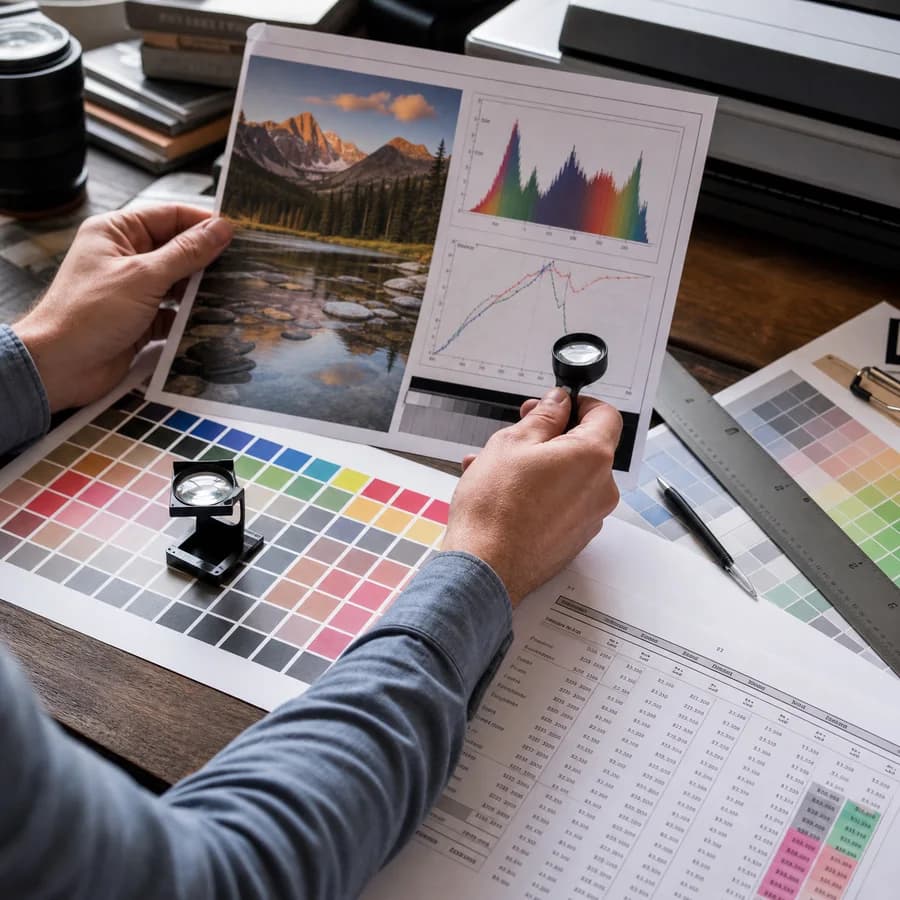
Image Histogram Generator + CSV analyzes an uploaded image locally in your browser and builds red, green, blue, and luminance histograms without sending the file to a server.
Use it to inspect exposure distribution, channel clipping, color balance, and pixel-count data, then download a CSV table for spreadsheets, QA reports, scripts, or repeatable visual analysis.
Drop an image here
The image is decoded in this browser, drawn to a local canvas, and never uploaded for histogram generation.
Histogram Controls
Histogram Result
Review channel distribution and export the complete bin table.
No image selected
Choose an image to generate RGB and luminance histogram data.
Image Histogram Workflow
What the histogram shows
The tool counts decoded image pixels into 256 bins for red, green, blue, and luminance values from 0 through 255. The chart can show the channels together, hide individual channels, and switch between linear and logarithmic scale when a large flat area overwhelms smaller tonal differences.
Summary stats report total pixels, dimensions, mean, median, peak bin, low clipping, and high clipping for each channel so the chart is useful even before downloading the CSV.
- Red, green, blue, and luminance channels are counted separately.
- Bin 0 marks the darkest channel values and bin 255 marks the brightest channel values.
- Luminance uses sRGB relative luminance mapped back to an 8-bit 0-255 scale.
- Transparent pixels are still counted from the decoded canvas data, matching the browser pixel buffer.
CSV export shape
The CSV export is a rectangular 256-row table designed for spreadsheets, QA reports, and scripts. Each row contains the bin number, raw counts for all four channels, and normalized percentages using period decimals.
Downloads use the original base filename with a histogram suffix. The CSV is generated in the browser with a Blob URL, so no server round trip is needed for export.
- Columns are bin, red_count, green_count, blue_count, luminance_count, and matching percentage columns.
- Percentages are calculated against the total decoded pixel count.
- Use the copy-all button in the result card when you want the visible stats plus the full bin table as text.
Privacy and browser support
The selected image is decoded with browser image APIs, drawn to a local canvas, and read with canvas ImageData. The histogram is produced from that local pixel buffer and the image bytes are not uploaded for analysis.
Format support depends on the current browser. JPG, PNG, WebP, GIF, BMP, and AVIF are accepted when the browser can decode them; unreadable or corrupt files show a local error state instead of consuming a successful tool use.
- Use current browser support as the source of truth for AVIF, WebP, animated GIF, and BMP decoding.
- Very large images may take longer because the first version counts full decoded pixels for CSV accuracy.
- Only successful histogram results count against the free-use limit.
How to read channel results
A tall red, green, or blue peak shows many pixels sharing that channel intensity. A luminance peak near the left side usually means a darker image, while a peak near the right side usually means a brighter image.
Clipping counts at bin 0 or bin 255 are useful for exposure and print checks, but they are not automatically bad. Product photos, graphics, screenshots, and transparent assets can legitimately contain large solid black, white, or saturated regions.
- Use mean and median together; the median is less affected by small bright or dark regions.
- Use log scale when one dominant background hides smaller channel detail.
- Compare CSV exports from multiple images when you need repeatable visual QA.
Compare Image Histogram Generator + CSV
Review this tool beside related online utilities, dedicated apps, and adjacent workflows.
Compare Image Histogram Generator + CSV with other toolsOpen Source Alternatives
Compare this focused browser workflow with proprietary software and online tools that solve similar jobs.
View Image Histogram Generator + CSV open source alternatives