
JPG to WebP Converter
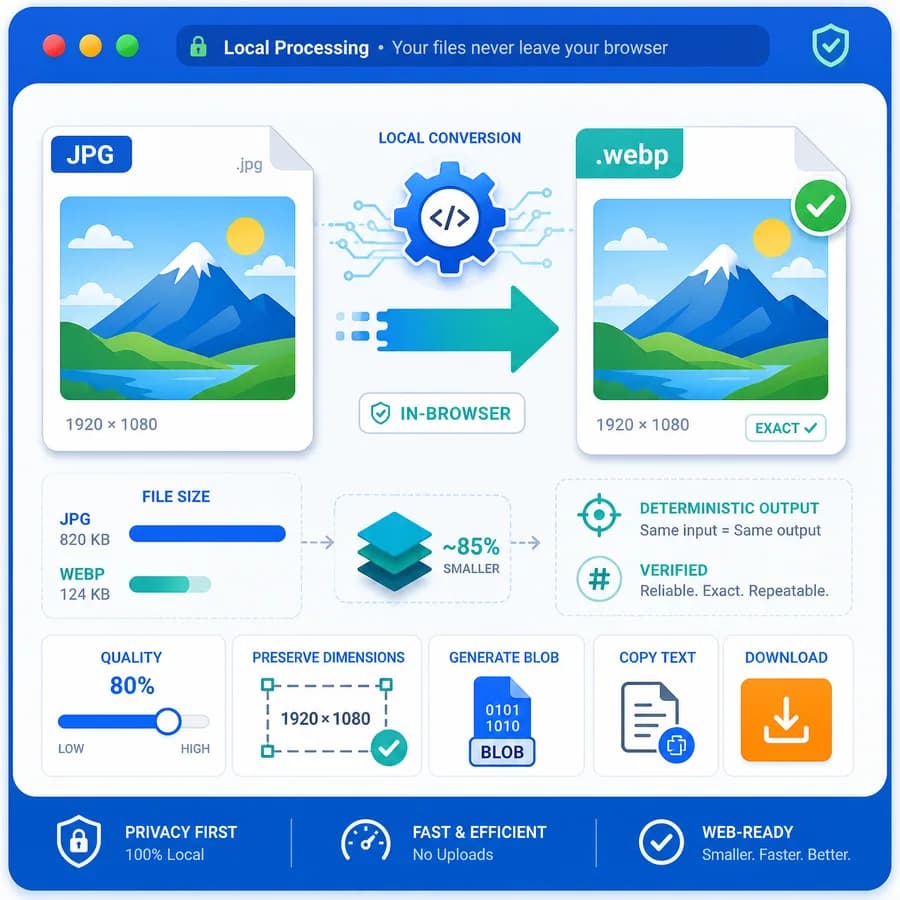
JPG to WebP Converter turns a selected JPG or JPEG image into a browser-local WebP file without uploading the original photo.
Use it when you need a smaller .webp copy for websites, previews, CMS uploads, or image handoff, with clear MIME, filename, size, dimension, Blob, and quality-setting checks.
Choose a JPG or JPEG image
JPG, JPEG, JFIF, PJPEG, and PJP images up to 50 MB. WebP quality is adjustable before export.
WebP output is locked for this dedicated JPG to WebP Converter.
image/webp .webp
WebP conversion result
image/webp MIME, .webp extension, preserved dimensions, file size, filename, quality setting, and Blob checks.
No image selected
Choose a JPG or JPEG image to create a verified WebP output file.
JPG input and WebP output checks
Source images
Output checks
- MIME type matches the selected encoder.
- Download extension matches the output MIME.
- Decoded output dimensions match the source pixels.
- Blob generation succeeds with a nonzero file size.
How to convert JPG to WebP locally
What changes during conversion
A JPG or JPEG source is decoded by the browser and re-encoded as WebP, so the output is a new WebP file created from the decoded pixels. WebP can be lossy or lossless, but this dedicated converter should expose the practical lossy WebP quality control used by browser canvas export.
Converting an already compressed JPEG to WebP can reduce file size for web use, but it cannot restore image detail that the original JPEG compression already discarded. The safest promise is a verified format conversion with preserved pixel dimensions, not visual improvement.
- Input should be limited to JPEG-family files such as .jpg, .jpeg, .jfif, .pjpeg, and .pjp when the browser can decode them.
- Output must use image/webp MIME and a .webp extension after Blob generation.
- The default conversion should preserve decoded source width and height.
- Canvas re-encoding may omit EXIF, GPS, ICC, XMP, IPTC, thumbnails, and other original metadata.
- The WebP quality slider affects lossy WebP export and should change the Blob size for normal photographic fixtures at different settings.
Browser-local workflow
The tool can reuse the existing image-format-converter core by creating a dedicated adapter that fixes the accepted input family to JPG/JPEG and fixes the output target to WebP. That keeps this page aligned with the JPG to PNG and PNG to JPG converter pattern while giving searchers a focused JPG/JPEG to WebP page.
After export, the result card should show source filename, target format, output MIME, extension, dimensions, original size, converted size, size difference, quality value, exact download filename, and generated Blob status. Those objective fields make the result easier to verify than a generic download button.
- Keep the original file on the user's device for the conversion workflow.
- Lock the target format to WebP on this dedicated page.
- Use a deterministic filename pattern that ends with .converted.webp or the local converter family's established equivalent.
- Re-decode the generated Blob to confirm dimensions match the decoded source image.
- Use object URLs only for preview and download, then revoke them when files change.
Validation rules
Canvas export can fall back to another supported type when a requested encoder is unavailable, so the implementation must inspect the returned Blob instead of trusting the requested MIME string. A conversion should count as successful only when the returned Blob satisfies the WebP contract.
Automated coverage should focus on observable output facts rather than subjective quality claims. The WebP slider should be covered with deterministic fixture images where high and low quality settings produce valid WebP files and a measurable size or setting difference.
- Output Blob must exist and have a nonzero size.
- Output MIME must be image/webp.
- Download filename must end with .webp.
- Decoded output width and height must match decoded source width and height.
- Copy/download text must be deterministic and include the target MIME, extension, dimensions, filename, quality setting, and Blob status.
- Changing the WebP quality slider should pass the selected quality value into export and update visible result text after reconversion.
When WebP is the right output
WebP is a strong target for website images, product photos, previews, and repeated web assets where smaller transfer size matters more than preserving original camera metadata. It is especially useful when the receiving workflow accepts .webp files and the image does not need to remain a camera-original JPEG.
JPEG is still useful when a platform rejects WebP, when maximum legacy compatibility matters, or when a print or archive workflow expects JPEG. Keep the page scoped to JPG/JPEG input and WebP output, and route users who need PNG, JPG, AVIF, or general format choices to the broader Image Format Converter.
- Good fits include web performance work, CMS image preparation, product thumbnails, screenshots for web pages, and smaller preview assets.
- Poor fits include archival photo preservation, metadata-preserving conversion, unsupported upload targets, and professional color-managed workflows.
- Do not claim lossless improvement from a lossy JPEG source.
- Do not promise animation handling; this page is for static JPG/JPEG input.
Compare JPG to WebP Converter
Review this tool beside related online utilities, dedicated apps, and adjacent workflows.
Compare JPG to WebP Converter with other toolsOpen Source Alternatives
Compare this focused browser workflow with proprietary software and online tools that solve similar jobs.
View JPG to WebP Converter open source alternatives