
LinkedIn Image Size Checker
LinkedIn Image Size Checker checks your image against LinkedIn Page logo, cover, Life tab, company photo, and post image dimensions.
LinkedIn post size checker results compare your file to recommended Page and feed specs so you can avoid blurry banners, cropped logos, and weak link previews.
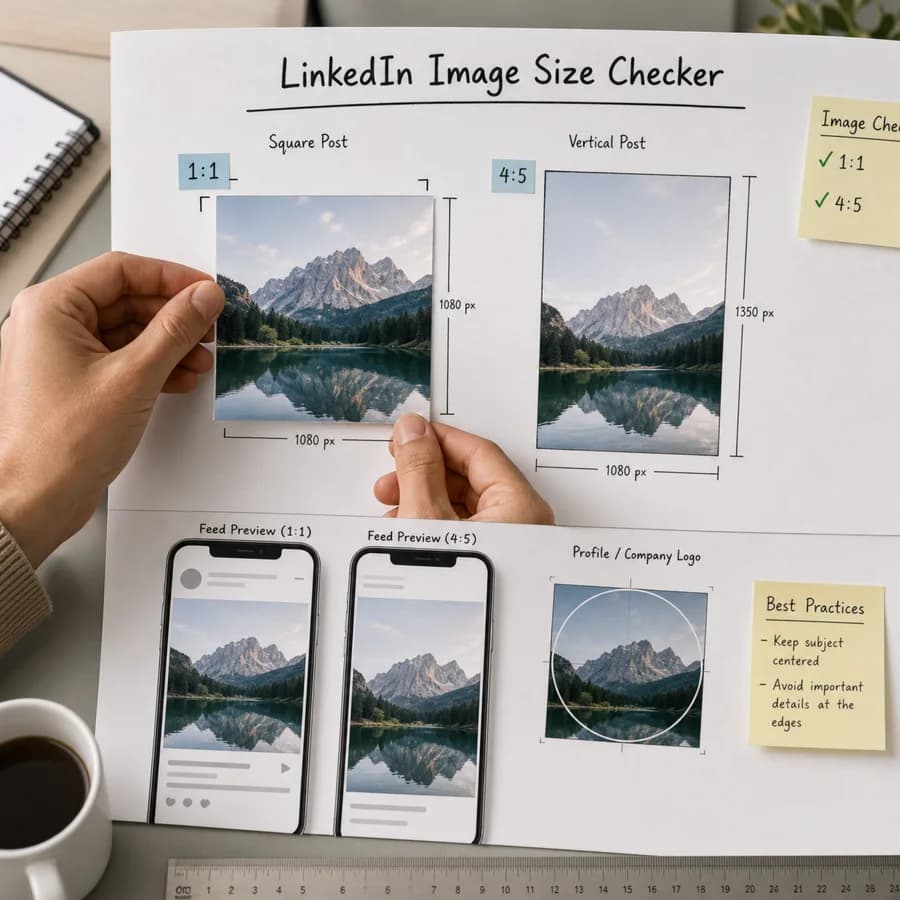
LinkedIn sizes checked
LinkedIn Help publishes Page and Career Page image specifications, including recommended logo, cover, Life tab, company photo, and URL post image dimensions.
Recommended company Page logo size.
Recommended LinkedIn Page cover image.
Main image for enhanced Career Pages.
Custom module image for Career Pages.
Recommended company photo module image.
Recommended 1.91:1 image for Page posts with a URL.
Choose an image for LinkedIn
JPG, PNG, WebP, AVIF, GIF, and BMP images up to 100 MB.
Image size result
Dimensions, closest LinkedIn placement, and resize advice.
Select an image to compare it with LinkedIn placement sizes without uploading it.
LinkedIn Image Size Guide
What this LinkedIn checker compares
LinkedIn Image Size Checker reads the selected file's pixel width and height, then compares it with the configured LinkedIn placements. It is built for quick pre-upload checks before posting, sending creative to a designer, or creating a second export for a different placement.
LinkedIn Help publishes Page and Career Page image specifications, including recommended logo, cover, Life tab, company photo, and URL post image dimensions.
- Page logo: 400 x 400 px.
- Page cover image: 4200 x 700 px.
- Life tab main image: 1128 x 376 px.
- Life custom module: 502 x 282 px.
- Company photo: 900 x 600 px.
- URL post image: 1200 x 627 px.
How the browser-local check works
The tool decodes the selected image locally in the browser and reads the decoded pixel dimensions. It does not upload the file, rewrite the image, or inspect account data.
After the dimensions are known, the checker ranks each placement by aspect-ratio match and resolution. Exact matches are marked first, larger same-ratio images are usually ready, smaller same-ratio images need a sharper export, and nearby ratios are marked as crop risk.
- Exact means the file matches the target dimensions.
- Ready means the aspect ratio matches and the image is large enough.
- Low resolution means the ratio is right but the image is smaller than the target.
- Crop risk means the ratio is close but not close enough for predictable placement.
How to use the fit report
Start with the best-fit placement, then check the full list if you plan to use the same creative in multiple places. One image can be correct for a square profile photo and wrong for a vertical story or wide banner.
When the report says low resolution, re-export from the original design instead of upscaling a small file. When it says crop risk or wrong ratio, create a separate crop at the target dimensions so text, faces, logos, and product details stay inside the visible area.
- Use square versions for avatars, profile images, and some carousel cards.
- Use 9:16 versions for stories, reels, shorts, and full-screen mobile placements.
- Use 1.91:1 or 16:9 versions for link previews, thumbnails, and wide feed placements.
- Keep important text and logos away from edges because apps add UI overlays and device-specific crops.
Limits to know before uploading
This checker validates pixel dimensions and aspect ratios. It does not guarantee that a platform will accept the file, because platforms can also enforce account rules, content policies, file-size limits, color handling, compression, safe zones, and placement-specific cropping.
Social networks update layouts and ad products regularly. Use this report as a practical preflight check, then confirm final creative in the platform preview before launching a campaign or replacing important profile artwork.
- Animated GIFs are checked by decoded dimensions only; animation timing is not analyzed.
- Transparent PNGs can render differently after platform compression.
- Very large images may be downscaled by the platform even when the aspect ratio is correct.
- For paid campaigns, create separate exports for each placement instead of relying on automatic crop tools.