
Perceptual Hash Generator vs pHash Demo
Perceptual Hash Generator is the baseline in this comparison: Generate pHash-style, average hash, and difference hash fingerprints from an uploaded image locally in your browser.
The pHash demo is an official interactive page for pHash algorithms such as DCT hash, radial hash, Marr/Mexican hat wavelet, and ConvNet options.
Quick verdict
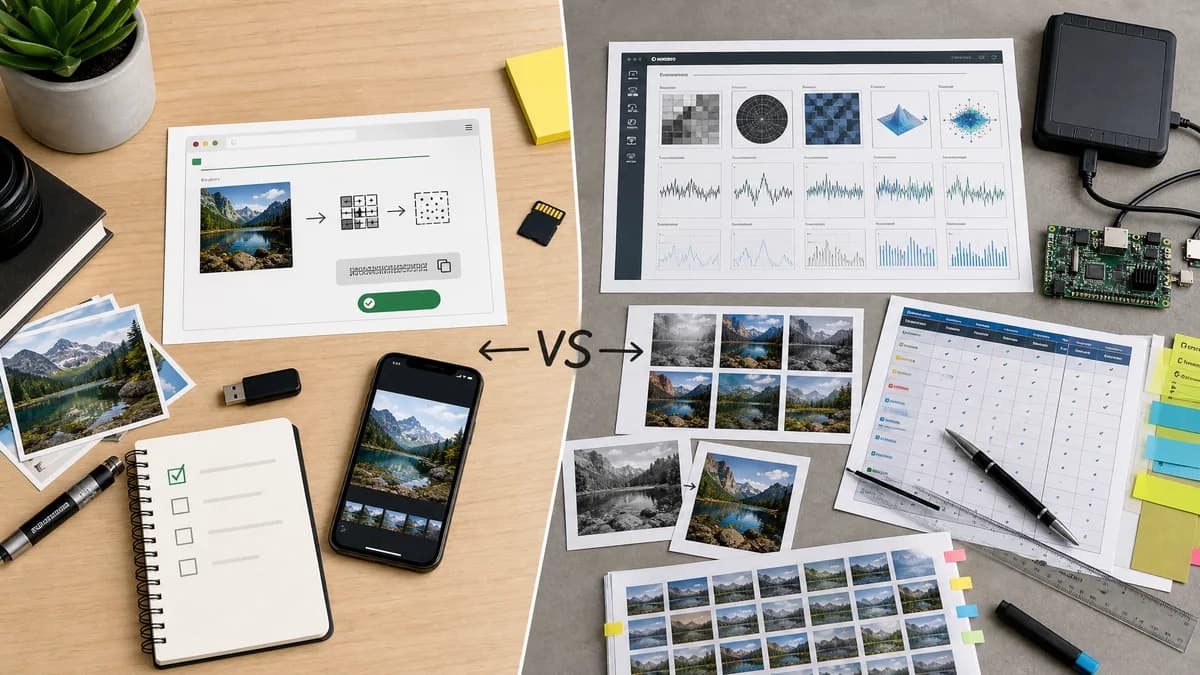
TextFaker is better for everyday copy-ready hash generation, while pHash's demo is better for exploring the official library's algorithm set.
How Perceptual Hash Generator fits
TextFaker does not try to replace the full pHash library or advanced demos; it provides an accessible browser-local generator for common image-hash results.
How pHash Demo fits
The pHash demo reflects the reference library's algorithmic breadth and is more technical than a general web utility.
Side-by-side comparison
| Decision point | Perceptual Hash Generator | pHash Demo | Takeaway |
|---|---|---|---|
| Authority | Our workflowPractical TextFaker tool built around common user tasks. | Competitor workflowOfficial demo from the pHash project. | The competitor has high technical authority; TextFaker cites concepts carefully in original page copy. |
| Algorithm depth | Our workflowCommon web-utility set: pHash-style, aHash, and dHash. | Competitor workflowOffers specialized pHash algorithms including DCT, radial, wavelet, and ConvNet options. | TextFaker avoids claiming to be a full pHash replacement. |
| Audience | Our workflowGeneral users, QA, developers, content teams, and duplicate-photo workflows. | Competitor workflowMore suitable for technical exploration of pHash algorithms. | TextFaker simplifies without dumbing down the output. |
| Output workflow | Our workflowCopy-all text output is central. | Competitor workflowDemo-oriented interaction. | TextFaker optimizes for repeated use. |
| Processing model | Our workflowBrowser-local decoding using shared upload component. | Competitor workflowOfficial interactive demo page. | TextFaker implementation makes processing boundaries clear. |
| SEO boundary | Our workflowSeparate TextFaker tool page with comparisons and open-source alternatives. | Competitor workflowLibrary demo rather than SEO-oriented utility content. | TextFaker serves search intent more directly. |
Use Perceptual Hash Generator when
- Non-developers who need a quick local result
- Users who need copy-ready pHash-style, aHash, and dHash outputs
- Simple duplicate-detection workflows
- TextFaker users who want a polished tool page
Use pHash Demo when
- Researchers evaluating pHash algorithms
- Developers interested in the official pHash project
- Users comparing DCT, radial, wavelet, and ConvNet-style options
Detailed comparison
Reference Role
pHash is a reference point, not just a competitor. Its documentation defines perceptual hashing as content-derived fingerprints where similar media have close signatures.
Scope Control
The TextFaker page use pHash-style or DCT-style wording where appropriate unless the implementation exactly matches a named pHash library algorithm.
- Avoid overclaiming compatibility with the official pHash library.
User Experience
Most TextFaker users usually want a quick upload and copy result, not a research demo. The interface keep algorithm explanation near the results but not block the workflow.
Implementation Risk
DCT-style hashing in browser code is tested for deterministic output across fixtures. If exact pHash compatibility is not guaranteed, the UI labels it honestly.
Research notes
- Official source with high authority.
- Useful for algorithm vocabulary and limitations.
- Comparison respects that pHash is an open-source library, not only a web tool.
- Potential legal/licensing concern if copying GPL code; implement independently or use compatible code.
Official source
The only outbound competitor link on this page is placed here for source checking after the comparison.
Official pHash Demo source