
Remove GPS From Video
Remove GPS From Video creates a clean same-container copy of a supported video without readable location coordinates.
Remove location from video files, remove video geotags, and strip QuickTime or ISO 6709 GPS values from MOV, MP4, M4V, 3GP, 3G2, and QT clips before sharing.
Supported video types
GPS removal targets readable QuickTime and ISO 6709 coordinate values in common phone and camera video containers. It does not re-encode the video stream.
Choose a video
MOV, MP4, M4V, 3GP, 3G2, or QT files up to 200 MB.
GPS removal result
Download a same-container copy without readable video GPS coordinates.
Video GPS Removal Guide
What video GPS removal does
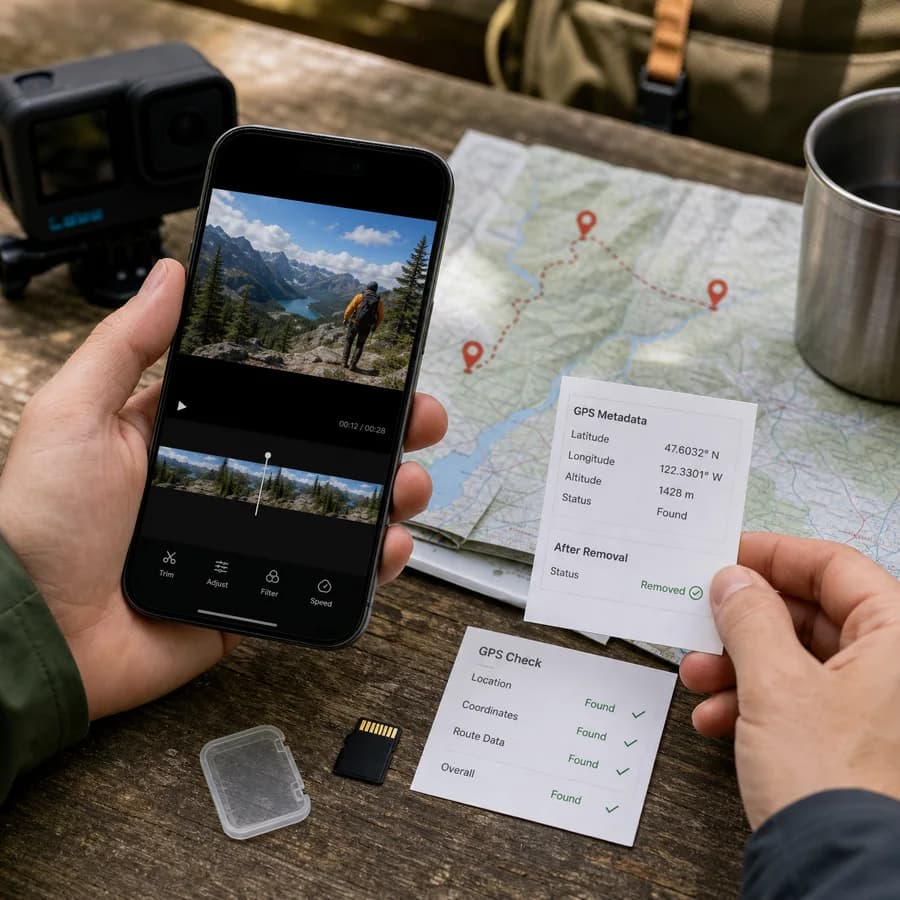
Phone and camera videos can store location coordinates in container metadata rather than in classic photo EXIF fields. This tool looks for readable QuickTime and ISO 6709 coordinate values, creates a browser-local copy of the file, and overwrites those coordinate strings so the clean copy no longer exposes that GPS value through the supported parser.
- MOV, QT, MP4, M4V, 3GP, and 3G2 files keep their container format.
- The video stream is not re-encoded, so cleanup is faster than a full video export.
- The original file is not changed; the tool downloads a new cleaned copy.
- Only successful files with readable GPS coordinates count as a tool use.
When to remove location from a video
Remove video location metadata before posting original phone clips publicly, sending private travel videos, sharing videos recorded near home, publishing workplace footage, or sending files to people who do not need the capture location. A video may still look harmless in a player while its container metadata exposes where it was recorded.
- Remove GPS before sharing original iPhone MOV videos.
- Remove location metadata from MP4 clips used in listings, social posts, and client reviews.
- Recheck the clean file with a metadata viewer when location privacy matters.
- Review visible scene details too, because signs, landmarks, and maps printed into the frames are not metadata.
Limits of browser video GPS cleanup
This browser tool is intentionally narrower than a desktop FFmpeg or ExifTool metadata scrub. It removes readable QuickTime and ISO 6709 coordinate strings in supported containers, but it does not rewrite every possible metadata atom, timed GPS track, subtitle, sidecar file, proprietary camera stream, edit history field, thumbnail, or embedded frame content.
- Use a dedicated desktop scrubber for full metadata-policy cleanup, batch jobs, or unsupported formats.
- Some action cameras and dashcams store GPS as timed tracks instead of one location string.
- Some social apps already strip metadata, so a missing GPS result can be normal.
- Keep the original private if you need an archival copy with full metadata.