
Open Source Alternatives to Canva
Transparent Margin Trimmer is a browser-based alternative for users who need this focused result without installing a proprietary desktop app or entering a larger hosted workflow.
This research compares that workflow with Canva while keeping the outbound source link at the bottom after the analysis.
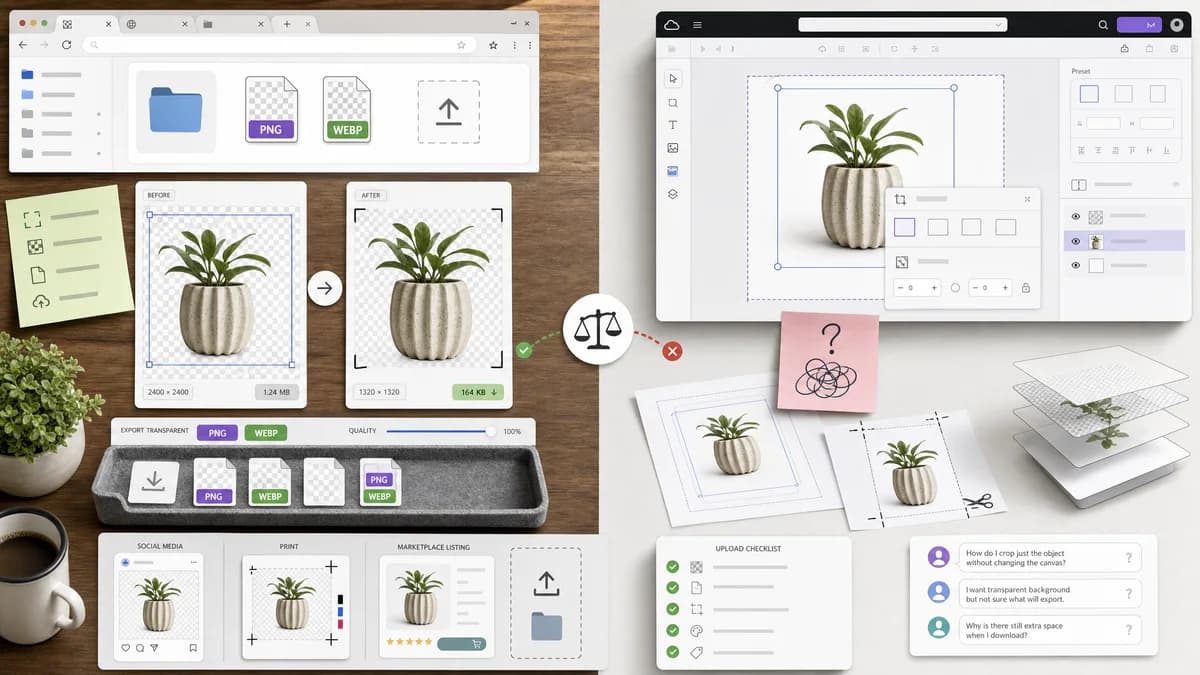
Why Transparent Margin Trimmer fits
The tool should focus on deterministic transparent padding removal and transparent PNG/WebP export for assets users place into social, print, marketplace, or design projects.
What Canva offers
Canva offers online image cropping, aspect-ratio tools, and transparent-background workflows, but public user questions still ask about cropping parts of designs and canvas areas.
Open alternative signals
Workflow
Transparent Margin TrimmerUtility-first: trim transparent margins and download.
CanvaDesign-first: create and edit full layouts.
Processing
Transparent Margin TrimmerBrowser-local for supported image files.
CanvaHosted design platform.
Output data
Transparent Margin TrimmerExact margins, output size, and downloadable file checks.
CanvaVisual editor and design export.
Audience
Transparent Margin TrimmerGeneral users cleaning assets.
CanvaCreators designing complete projects.
Decision guide
Preparing transparent assets before uploading to Canva, Shopify, Etsy, social templates, DTF workflows, or websites.
Design creation, templates, collaboration, brand kits, and social/print layouts.
Side-by-side open source alternative comparison
| Decision point | Transparent Margin Trimmer | Canva | Takeaway |
|---|---|---|---|
| Transparent asset cleanup | Our workflowRemoves empty alpha padding before design placement. | Proprietary workflowCanva crops images inside a broader design context. | TextFaker is a preprocessing tool for cleaner Canva assets. |
| Canvas cropping confusion | Our workflowSingle image in, trimmed image out. | Proprietary workflowUsers may confuse image crop, frame crop, and design canvas crop. | The utility avoids design-layer ambiguity. |
| Privacy | Our workflowNo upload for supported local processing. | Proprietary workflowCanva is a hosted editor. | Local cleanup is attractive for client assets. |
| Measurements | Our workflowReports exact removed pixels and dimensions. | Proprietary workflowDesign UI is visual and template-oriented. | TextFaker is better for exact QA. |
| Design features | Our workflowNo templates, collaboration, or layout editing. | Proprietary workflowCanva is much stronger for finished designs. | Do not frame TextFaker as a Canva replacement overall. |
| Mobile | Our workflowResponsive upload-and-download flow. | Proprietary workflowCanva has mobile apps and mobile web. | TextFaker competes on simplicity rather than ecosystem. |
Detailed research
Positioning
Use Canva comparisons for creators who have transparent PNGs with too much blank space and want clean placement in templates.
- Mention logos, stickers, product cutouts, and printable graphics.
- Keep the comparison narrowly scoped to margin trimming.
Deterministic implementation
The tool should detect whether the uploaded file has alpha data and warn when a JPG cannot contain transparent margins.
- Return 'No alpha channel detected' for opaque formats.
- Offer conversion to PNG only when transparency-preserving output is possible.
- Show expected output filename.
Demand evidence
Canva's own crop and transparent PNG pages show this user category exists, while subreddit questions show cropping can be confusing inside a design workspace.
Testing
A mobile viewport test should verify controls, numeric results, and download button fit without requiring visual judgment about the image.
- Assert visible text labels do not overflow.
- Assert result table contains numeric margins.
Research notes
- Canva's official crop image page describes freeform and aspect-ratio cropping for online image projects.
- Canva's transparent-background page describes transparent PNG downloads and background removal workflows.
- A Canva subreddit post shows a user repeatedly trying to crop part of a design/canvas and asking if it is possible.
Official source
The proprietary product link is included once here for source checking after the alternative analysis.
Official Canva source