
Visa Photo File Size Checker
Visa Photo File Size Checker helps you confirm whether a visa or passport-style image is the right file size before an online application rejects it.
Upload a browser-readable image and get deterministic checks for bytes, KB, MB, dimensions, square-or-portrait fit, format, and selected requirement presets without sending the photo to a server.
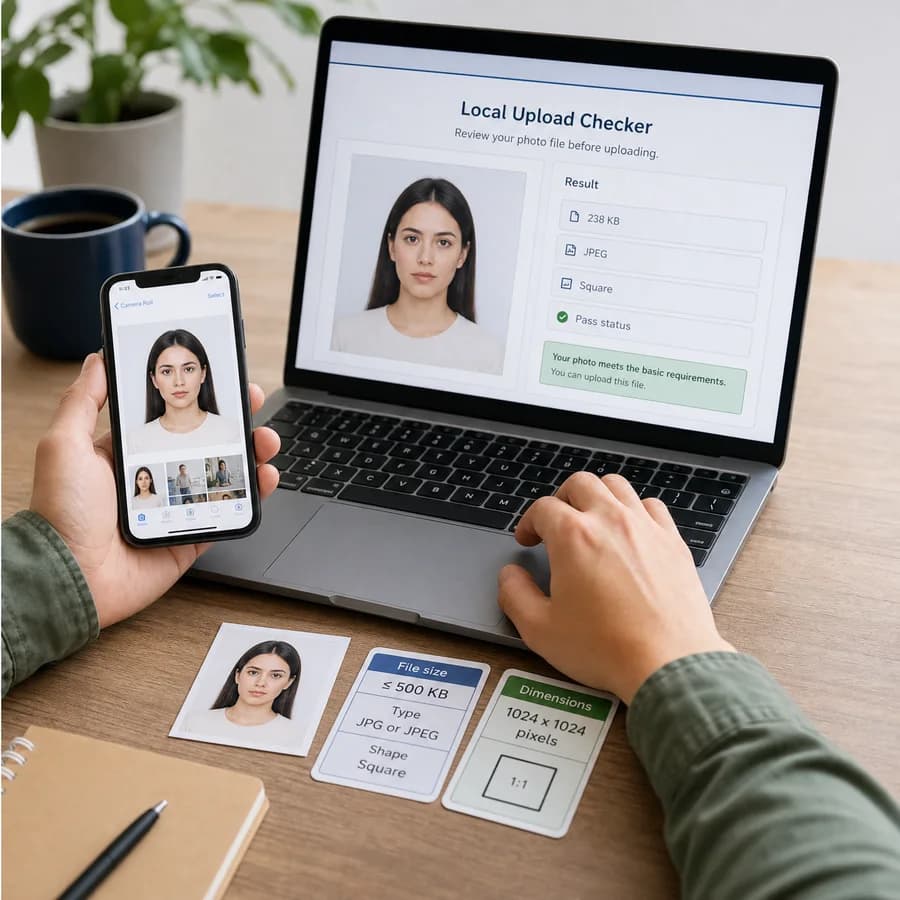
Choose a preset or enter the exact KB, format, and pixel limits from your application instructions.
Drop one visa photo here
JPG, PNG, WebP, or AVIF up to 25 MB. The file is checked locally.
Checks the measurable U.S. digital image rules: JPEG, square image, 600-1200 px, and 240 KB or less.
Check a visa photo file
Choose a preset and upload an image to compare file size, format, pixel dimensions, aspect ratio, and orientation rules.
Check Visa Photo Upload Limits Before You Apply
What this checker reports
The checker reads the selected image locally and separates measurable file facts from subjective visa-photo quality rules. It can tell you whether the file size, file type, pixel dimensions, aspect ratio, and orientation match the selected preset.
The result is a practical preflight report for upload troubleshooting. It does not judge face position, background, expression, clothing, recency, identity, or final official acceptance.
- Exact bytes, decimal KB, binary KiB, decimal MB, and binary MiB.
- Detected MIME type, filename extension, and whether the format matches the selected rule.
- Pixel width, pixel height, orientation, and simplified aspect ratio.
- Pass, review, or needs-changes rows for each measurable rule.
- A custom mode for application portals with their own minimum KB, maximum KB, dimension, shape, and format instructions.
Included requirement presets
Visa and immigration portals do not use one worldwide standard, so each preset is a convenience check for a specific published rule set. Always follow the exact instructions shown in the application portal when they differ from a preset.
The initial presets focus on common numeric limits that can be tested deterministically from a selected file.
- U.S. visa or Diversity Visa upload: JPEG, square image, 600 x 600 to 1200 x 1200 pixels, 240 KB or less.
- India online visa upload: JPEG, square image, 350 x 350 to 1000 x 1000 pixels, 10 KB to 300 KB.
- UK visa or permission digital photo: JPG or JPEG, at least 600 x 750 pixels, 50 KB to 6 MB, and vertical orientation.
- Australia citizenship online photo: JPEG, 70 KB to 3.5 MB, with 1200 x 1600 pixels treated as the preferred resolution.
- Custom rule: enter the KB range, pixel bounds, allowed formats, and square or portrait requirement from your own portal.
When the result needs changes
A failed check explains the mechanical reason so you know whether to compress, resize, convert, or choose a different source image. The tool does not silently edit the file, so the photo you inspect is the photo you still have.
If the file is too large, aim slightly below the maximum rather than exactly on the edge. If the file is too small, re-export from the original image where possible because heavy compression can create visible artifacts even when the KB number passes.
- Too large usually means the image needs compression, smaller pixel dimensions, or both.
- Wrong dimensions means the file needs a new crop or resize before upload.
- Wrong format means the portal may require JPEG even if the browser can decode PNG, WebP, or AVIF.
- Wrong shape means a square or portrait crop is needed before checking again.
Privacy and limits
Visa photos are sensitive identity images, so this tool performs the check in your browser. The selected file is decoded locally for dimensions and measured locally for file size; it is not uploaded to TextFaker for analysis.
A pass result only means the file matches the measurable preset checks implemented here. Government agencies, visa centers, and application portals can still reject a photo for visual, biometric, recency, document, account, or policy reasons that this file-size checker cannot evaluate.
- Use the copy button when you need to send exact file facts to a photo shop or support contact.
- Use custom mode when your embassy, consulate, VFS, school, employer, or immigration portal lists a different upload limit.
- Recheck after compression or resizing because small changes can alter both file size and dimensions.
- Keep your original photo until the application portal confirms the uploaded version is accepted.
Compare Visa Photo File Size Checker
Review this tool beside related online utilities, dedicated apps, and adjacent workflows.
Compare Visa Photo File Size Checker with other toolsOpen Source Alternatives
Compare this focused browser workflow with proprietary software and online tools that solve similar jobs.
View Visa Photo File Size Checker open source alternatives