
Wallet Photo Sheet Maker
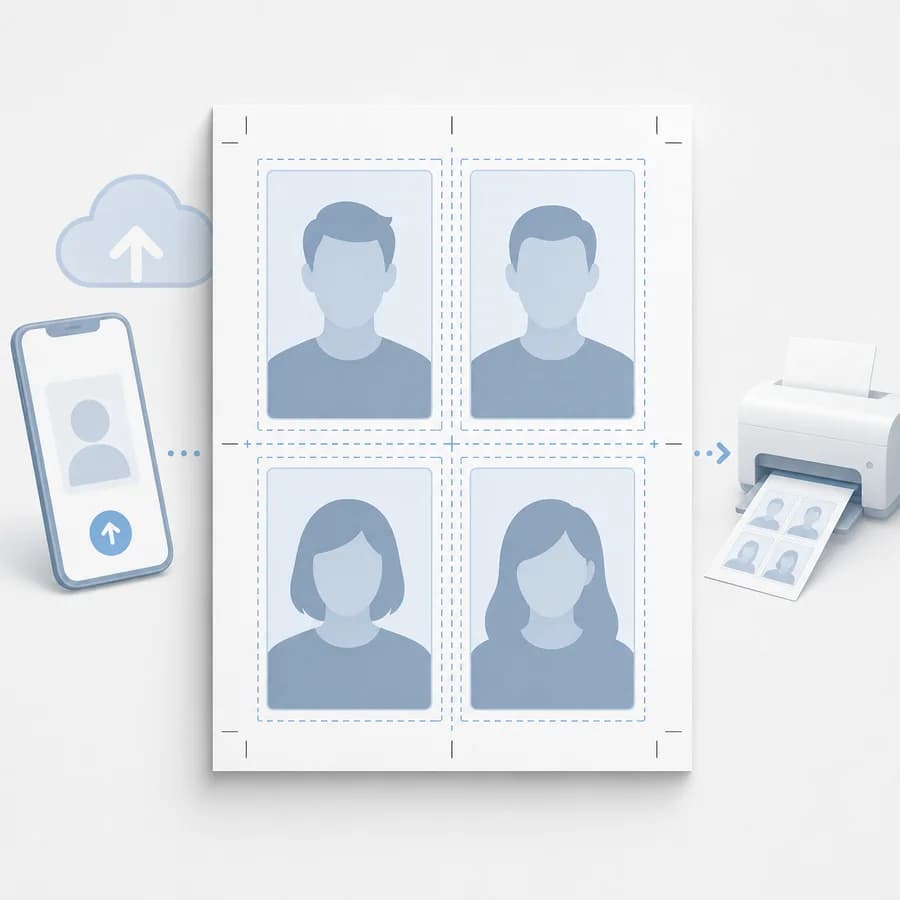
Wallet Photo Sheet Maker turns one or more images into a printable sheet of wallet-size photos without uploading the files.
Choose a paper preset, wallet size, repeat count, fit mode, margins, and cut guides, then export a deterministic PNG sheet or print-ready layout.
Choose wallet photos
JPG, PNG, WebP, AVIF, GIF, or BMP images up to 50 MB each.
Drop images here or click to choose
The photos stay local while the wallet sheet is rendered.
Wallet sheet result
Exact output size, slots, layout hash, PNG, and manifest.
No photos selected
Choose one or more images to calculate a wallet photo sheet.
Browser-local wallet sheet layout
The selected photos are decoded, arranged, rendered, previewed, and downloaded in this browser. Failed exports do not consume a free use.
Make Wallet Photo Sheets That Print at the Right Size
Choose the sheet and wallet size
Start with the paper size you plan to print, then pick the wallet photo size that matches your use case. A 4x6 sheet works well for four 2x3 prints, while 5x7 or letter layouts can fit larger 2.5x3.5 wallet photos with margins and cut guides.
- Paper presets: 4x6, 5x7, 8x10, US letter, and custom inches.
- Wallet presets: 2x3, 2.5x3.5, 2.25x3.25, mini wallet, and custom inches.
- DPI presets: 150, 200, 300, and 600 for predictable pixel dimensions.
Arrange repeated or unique photos
The tool should support both common wallet-print workflows: repeating one portrait several times and placing different small photos on the same sheet. That matters for scrapbooks, school photos, craft projects, wallet inserts, and retail photo orders where users want to avoid wasted duplicates.
- Repeat one image across every slot or fill each slot with a different uploaded image.
- Reorder photos before rendering so the exported sheet matches the intended cut order.
- Show per-slot labels in the UI but keep labels off the exported image unless the user enables them.
Control crop, borders, and cut guides
Wallet photos are small, so the crop behavior needs to be explicit. Users should be able to fill the wallet frame, fit the whole image with padding, or manually choose a focal point before exporting.
- Fit modes: cover crop, contain with matte color, and no-crop center fit.
- Optional white border, custom gutter, outer margin, and hairline cut guides.
- Display exact output size in inches, pixels, DPI, rows, columns, and total photo slots.
Export and verify the result
The core output should be a generated PNG sheet from canvas, plus a print view that uses print CSS for users who want to print from the browser. The PNG path is the deterministic artifact for tests and downloads.
- Export filename should include paper size, wallet size, DPI, and slot count.
- Show a machine-checkable manifest with sheet pixels, slot rectangles, margins, gutters, DPI, and image count.
- Warn when an uploaded photo has too few pixels for the selected wallet size and DPI.
Compare Wallet Photo Sheet Maker
Review this tool beside related online utilities, dedicated apps, and adjacent workflows.
Compare Wallet Photo Sheet Maker with other toolsOpen Source Alternatives
Compare this focused browser workflow with proprietary software and online tools that solve similar jobs.
View Wallet Photo Sheet Maker open source alternatives