
HEIC to JPG Converter vs Adobe Express HEIC to JPG
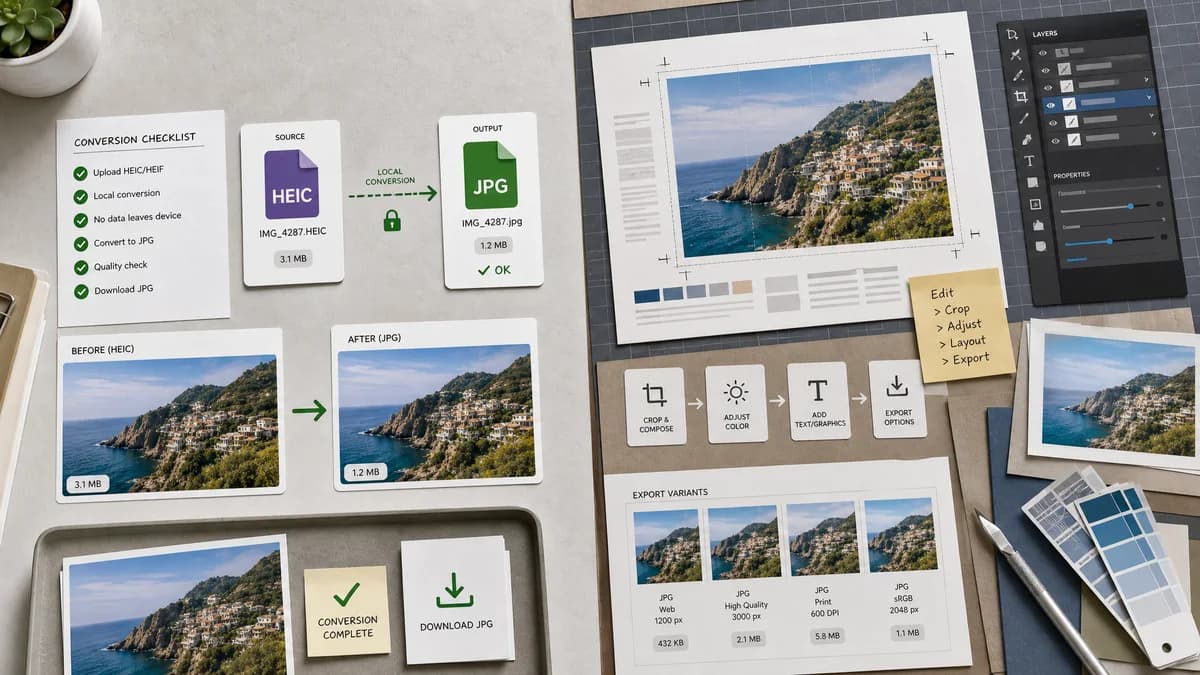
HEIC to JPG Converter is the baseline in this comparison: Convert HEIC and HEIF photos to JPG locally in your browser, then verify the image/jpeg MIME type, .jpg filename, dimensions, Blob output, quality setting, and transparency flattening behavior.
Adobe Express offers a free HEIC to JPG converter connected to Adobe's broader browser design product.
Quick verdict
TextFaker can differentiate by being smaller, faster to understand, and explicitly local instead of an entry point to a design suite.
How HEIC to JPG Converter fits
TextFaker should stay utility-first: choose HEIC/HEIF, convert locally, validate JPG output, and download without pulling the user into a design editor workflow.
How Adobe Express HEIC to JPG fits
Adobe Express is strongest for users who may want to edit, design, or continue working with the converted image inside Adobe's ecosystem after conversion.
Side-by-side comparison
| Decision point | HEIC to JPG Converter | Adobe Express HEIC to JPG | Takeaway |
|---|---|---|---|
| Primary job | Our workflowConvert HEIC/HEIF to JPG only | Competitor workflowConvert HEIC to JPG inside a broader Adobe Express experience | TextFaker avoids editor-style complexity. |
| Processing message | Our workflowBrowser-local when supported | Competitor workflowWeb/mobile converter from Adobe Express | TextFaker makes local privacy central. |
| Output inspection | Our workflowShow image/jpeg, .jpg filename, and Blob status | Competitor workflowInstant JPG download flow | Adobe is simpler; TextFaker can be more transparent. |
| Audience | Our workflowPhoto owners, developers, QA users, and privacy-conscious users | Competitor workflowCreators and design-suite users | The tools serve overlapping but different intent. |
| Quality controls | Our workflowTest-backed JPEG quality behavior if supported | Competitor workflowVisible summary emphasizes fast free conversion, not detailed quality controls | TextFaker can expose practical image-export settings. |
| Alpha handling | Our workflowWarn that JPEG removes alpha and flatten as configured | Competitor workflowNo prominent alpha note in visible summary | TextFaker should handle this edge case explicitly. |
Use HEIC to JPG Converter when
- Quick utility conversion
- Privacy-sensitive photos
- Technical output checks
- Users who do not need design editing
Use Adobe Express HEIC to JPG when
- Adobe Express users
- People converting before editing or designing
- Marketing and social content workflows
- Users comfortable with an account-oriented design suite
Detailed comparison
Utility Focus
Adobe Express is credible but broad. TextFaker should keep the page lightweight, with conversion results visible immediately after file selection.
No Editor Detour
Do not route users into a general image editor flow. The dedicated SEO page should remain about HEIC and HEIF photos becoming JPG/JPEG files.
Testing Angle
Automated checks should verify stable button labels for download and copy actions, because this is a utility page where deterministic UI text matters.
Alpha Disclosure
The page should use plain language: JPG does not support transparency, so transparent pixels are flattened to the selected background color.
Research notes
- Adobe Express describes a fast, free HEIC to JPG converter.
- The page also frames conversion for mobile use.
- Use this comparison for design-suite versus utility positioning.
Official source
The only outbound competitor link on this page is placed here for source checking after the comparison.
Official Adobe Express HEIC to JPG source