
ID Photo Print Sheet Maker vs Passport Photo Apps
ID Photo Print Sheet Maker is the baseline in this comparison: Make a print-ready sheet of exact-size ID photos from one image, with measurable sheet geometry, cut guides, and PNG or PDF export generated locally.
Passport Photo Apps offers tools for creating and printing biometric passport photos across Windows, macOS, mobile, and Adobe Photoshop or Lightroom workflows.
Quick verdict
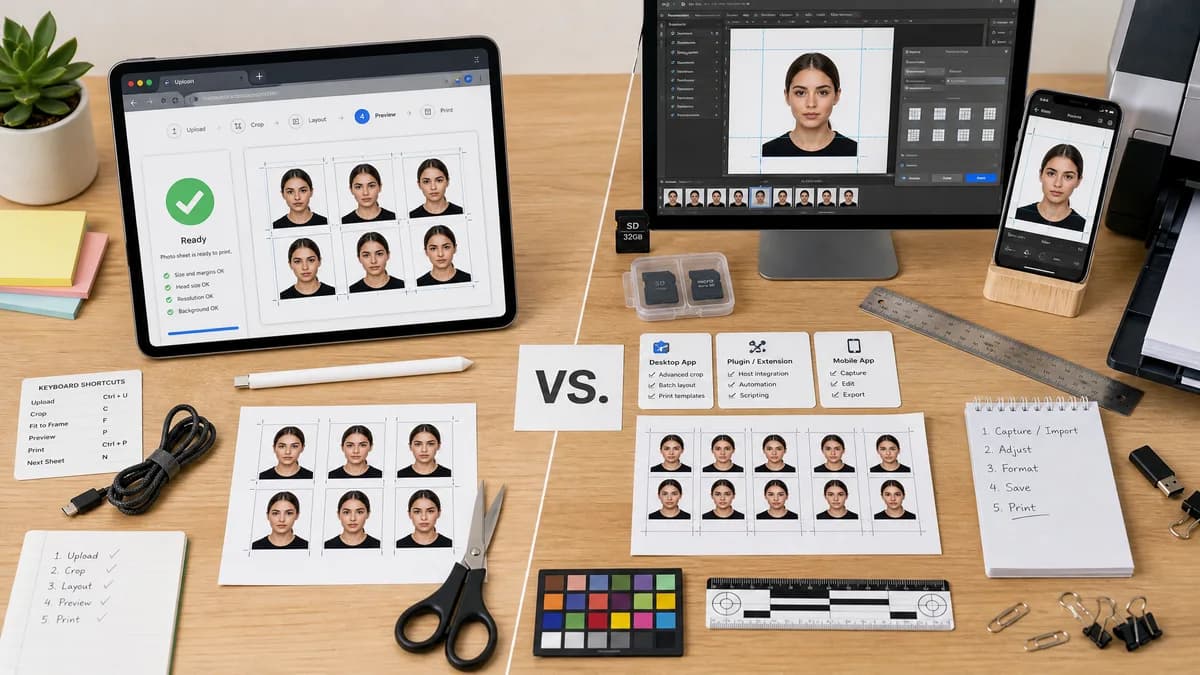
Passport Photo Apps is stronger for installed and professional workflows; TextFaker is stronger for quick cross-platform browser use and deterministic web testing.
How ID Photo Print Sheet Maker fits
TextFaker should provide a lightweight browser-based alternative that does not require installing platform-specific software or creative-suite plugins.
How Passport Photo Apps fits
Passport Photo Apps targets users who want dedicated software or plugins for formatting, saving, and printing passport photos.
Side-by-side comparison
| Decision point | ID Photo Print Sheet Maker | Passport Photo Apps | Takeaway |
|---|---|---|---|
| Installation | Our workflowNo install; runs in the browser. | Competitor workflowOffers platform-specific apps and plugins. | TextFaker reduces setup friction for occasional users. |
| Professional workflow | Our workflowSimple upload, layout, export. | Competitor workflowIncludes plugin workflows for Adobe tools. | Competitor is better for photo professionals. |
| Print controls | Our workflowFocused sheet controls with exact page geometry and manifest. | Competitor workflowCan format, print, or save passport photos through app workflows. | TextFaker should make its print math more visible. |
| Platform coverage | Our workflowModern browsers across desktop and mobile. | Competitor workflowSeparate Windows, macOS, mobile, and plugin products. | Browser delivery simplifies support. |
| Privacy | Our workflowLocal browser processing with no upload. | Competitor workflowInstalled software may process locally, depending on product. | Both can appeal to privacy, but TextFaker should communicate it clearly. |
| Automated verification | Our workflowWeb tests can validate deterministic output directly. | Competitor workflowInstalled app outputs are not part of TextFaker's test surface. | TextFaker is easier to maintain as a web tool. |
Use ID Photo Print Sheet Maker when
- One-off users who do not want to install software
- People on Chromebooks, shared computers, or phones
- Users needing clear local browser export validation
Use Passport Photo Apps when
- Users who regularly create passport photos
- Users working inside Photoshop or Lightroom
- People who prefer installed desktop apps
Detailed comparison
Demand Signal
The existence of apps across desktop, mobile, and Adobe plugin contexts indicates that printing biometric photos is a repeated workflow for both consumers and semi-professional users.
- Some users need recurring print workflows.
- Some users are already in photo-editing software.
- Others only need a quick one-time browser tool.
TextFaker Positioning
TextFaker should be the fast web option, not a replacement for professional batch software.
- No install.
- No account.
- Immediate download.
Implementation Guidance
Keep the MVP focused on a single-sheet generator. Batch mode can be added later if demand emerges, but the first version should make one source photo repeat reliably on one sheet.
- Support one source image at launch.
- Support repeated copies and auto-fill.
- Export layout manifest for automated tests.
Testing Guidance
Because installed competitors are harder to inspect, TextFaker can build trust by making every calculation visible and test-backed.
- Unit-test unit conversion helpers.
- Snapshot-test common preset manifests.
- End-to-end test file upload and download metadata.
Research notes
- Passport Photo Apps describes Windows, macOS, and Adobe plugin workflows for creating, formatting, printing, or saving biometric passport photos.
- This competitor supports the idea that print formatting is a distinct user need, not only a photo-taking need.
- TextFaker should prioritize a low-friction browser path for occasional users.
Official source
The only outbound competitor link on this page is placed here for source checking after the comparison.
Official Passport Photo Apps source