
Image Aspect Ratio Calculator vs Imagy Image Aspect Ratio Finder
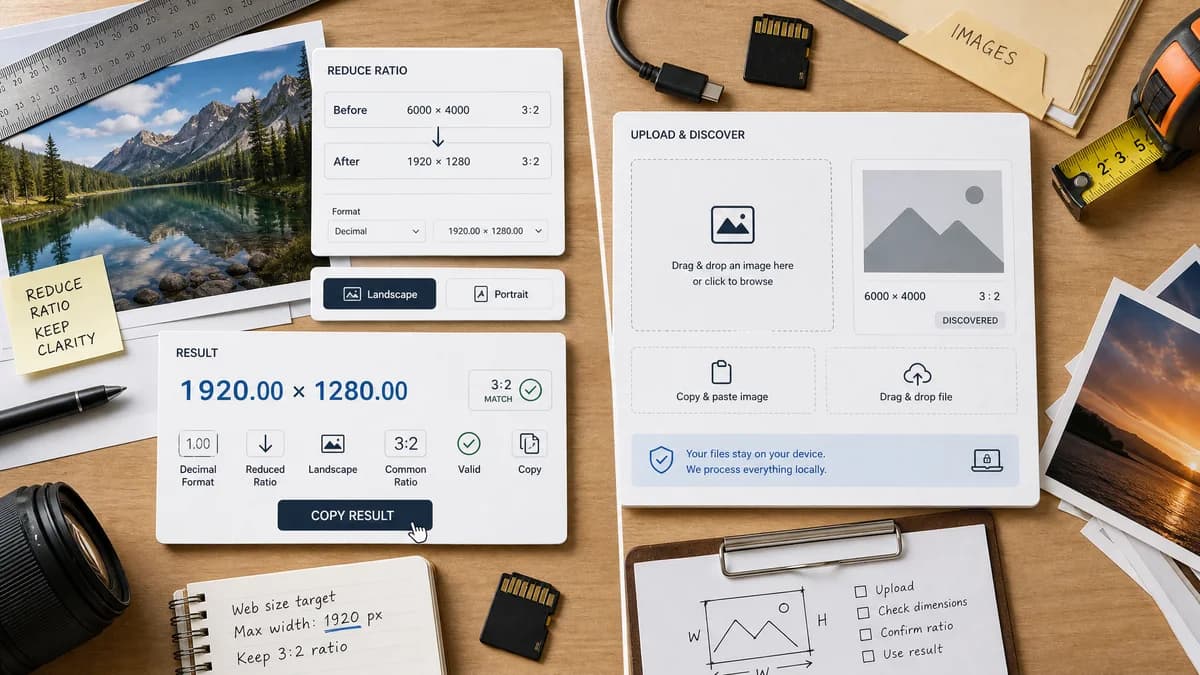
Image Aspect Ratio Calculator is the baseline in this comparison: Upload an image or type width and height to get the simplified aspect ratio, decimal value, orientation, and closest common match.
Imagy lets users drop an image into the page and displays image dimensions and aspect ratio, with copy-paste and drag-and-drop style input.
Quick verdict
TextFaker needs a sharper result presentation and stronger validation details to stand apart from Imagy's similar uploaded-image flow.
How Image Aspect Ratio Calculator fits
TextFaker should match the uploaded-image convenience while being more explicit about ratio reduction, decimal formatting, orientation labels, common-ratio matching, and one-click copying.
How Imagy Image Aspect Ratio Finder fits
Imagy is one of the closest direct competitors because it handles image upload for aspect ratio discovery and states that files are processed safely in the browser.
Side-by-side comparison
| Decision point | Image Aspect Ratio Calculator | Imagy Image Aspect Ratio Finder | Takeaway |
|---|---|---|---|
| Image input | Our workflowOne uploaded browser-readable image. | Competitor workflowDrop, select, or paste images. | Imagy has strong ingestion affordances that TextFaker should match where practical. |
| Result emphasis | Our workflowMain ratio in a green success card. | Competitor workflowAspect ratio and dimensions in a data table. | TextFaker can make the primary answer more scannable. |
| Copy workflow | Our workflowOne copy-all icon button for the result text. | Competitor workflowNo copy-specific behavior was identified in the researched text. | Copy behavior is a useful differentiation point. |
| Manual fallback | Our workflowOptional manual dimension input can cover unsupported files or known sizes. | Competitor workflowThe researched page points users to a separate calculator for calculating ratios. | TextFaker can keep both paths on one page. |
| Privacy message | Our workflowBrowser-local processing should be stated near the upload area. | Competitor workflowThe page says image data never touches their servers. | TextFaker must be equally explicit on privacy. |
| Common-ratio matching | Our workflowPlanned as a detailed output field. | Competitor workflowThe researched text confirms aspect ratio and dimensions, not detailed nearest-match behavior. | Common-ratio labels can improve SEO and user confidence. |
Use Image Aspect Ratio Calculator when
- A dedicated ratio-first result card
- Detailed common-ratio matching for social, photo, and video ratios
- Clear copy-all output for developer and designer handoff
Use Imagy Image Aspect Ratio Finder when
- Quick drag-and-drop aspect ratio lookup
- Users who want dimensions and aspect ratio from a file
- Broad stated file type acceptance
Detailed comparison
Competitive Fit
Imagy is a direct comparison candidate because it supports image upload and returns aspect ratio from actual files.
Differentiation
TextFaker should avoid becoming a generic dimensions table by framing the output around the ratio answer and copy-ready handoff.
Input Design
Drag, drop, select, and paste are useful affordances. If only one file is supported, the interface should clearly replace the current result when a new image is selected.
Testing
Objective tests should cover supported file detection and user-facing error states for files that the browser cannot decode.
Research notes
- The page says users can drop, select, or paste images.
- The researched content says dimensions and aspect ratio are shown after upload.
- The page states that image data does not touch their servers.
Official source
The only outbound competitor link on this page is placed here for source checking after the comparison.
Official Imagy Image Aspect Ratio Finder source