
JPG to WebP Converter vs Convertio
JPG to WebP Converter is the baseline in this comparison: Convert a JPG or JPEG image to WebP in your browser, adjust WebP quality, and verify the output MIME type, .webp filename, dimensions, file size, and generated Blob before download.
Convertio provides a direct JPG to WebP online converter within a large multi-format conversion platform.
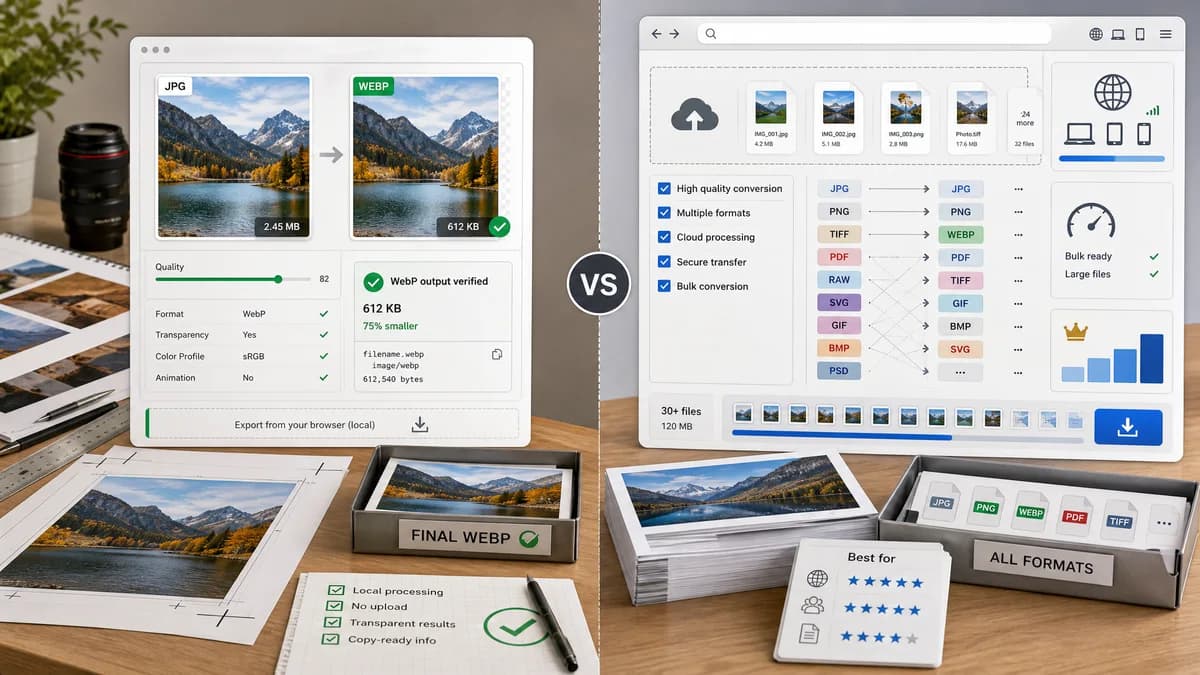
Quick verdict
Convertio is stronger as a broad file conversion destination. TextFaker should be better for users who want a local, focused JPG/JPEG to WebP conversion with transparent output verification.
How JPG to WebP Converter fits
TextFaker should provide a dedicated local-first converter with visible WebP output checks, copy-ready result text, and a quality slider designed around browser Blob output.
How Convertio fits
Convertio emphasizes easy online conversion, many supported formats, and browser accessibility, with large-file or high-throughput use cases connected to subscription plans.
Side-by-side comparison
| Decision point | JPG to WebP Converter | Convertio | Takeaway |
|---|---|---|---|
| Input promise | Our workflowJPG and JPEG only for this dedicated page | Competitor workflowJPG to WebP plus many adjacent format routes | TextFaker should reduce choice overload. |
| Privacy model | Our workflowLocal browser conversion should be central to the page | Competitor workflowOnline upload conversion service | Local conversion is the clearest difference. |
| Output proof | Our workflowSurface MIME, filename extension, dimensions, and Blob generation | Competitor workflowFocuses on upload, conversion, and download | TextFaker can turn technical checks into trust features. |
| Quality control | Our workflowQuality slider behavior should update WebP output size and Blob | Competitor workflowConversion flow mentions quality and WebP benefits generally | TextFaker should make quality behavior more explicit. |
| SEO specificity | Our workflowDedicated SEO page/config for JPG/JPEG to WebP only | Competitor workflowLarge conversion taxonomy page | TextFaker can match intent precisely. |
| Testing | Our workflowDeterministic copy/download text and generated image fixtures | Competitor workflowExternal service behavior cannot be unit-tested inside TextFaker | Implementation can be validated more objectively in TextFaker. |
Use JPG to WebP Converter when
- Users who want local browser conversion
- Users who need proof that output is image/webp
- Content teams adding a narrow conversion page to a tool registry
Use Convertio when
- Users converting across many file categories
- Users comfortable with upload-based conversion
- Users who need a familiar general converter UI
Detailed comparison
Search Intent
Convertio ranks as a direct converter and sets expectations for fast file upload and download. TextFaker should answer the same intent without adding account or cloud framing.
- Use JPG and JPEG in the title and description.
- Mention WebP output and smaller web images without promising exact savings.
Product Scope
Convertio is intentionally broad. TextFaker's dedicated page should stay narrow but can reference the wider Image Format Converter internally.
- Do not add non-JPG inputs to this tool page.
- Keep accepted file messaging strict enough for tests.
Trust Signals
Visible output validation is more objective than generic conversion claims.
- Display image/webp after conversion.
- Display original and output dimensions.
Generated Images
Generated test images should include at least one JPEG fixture and WebP output path to verify conversion deterministically.
- Use a known dimension fixture.
- Check Blob type and filename.
Research notes
- Convertio's official JPG to WebP page states a 1 GB maximum file size for the free page surface and points to premium tiers for larger or more frequent conversions.
- This is a direct proprietary competitor.
- The comparison should stay neutral and avoid unsupported claims about Convertio internals.
Official source
The only outbound competitor link on this page is placed here for source checking after the comparison.
Official Convertio source