
Open Source Alternatives to Fotor
Photo Border Maker is a browser-based alternative for users who need this focused result without installing a proprietary desktop app or entering a larger hosted workflow.
This research compares that workflow with Fotor while keeping the outbound source link at the bottom after the analysis.
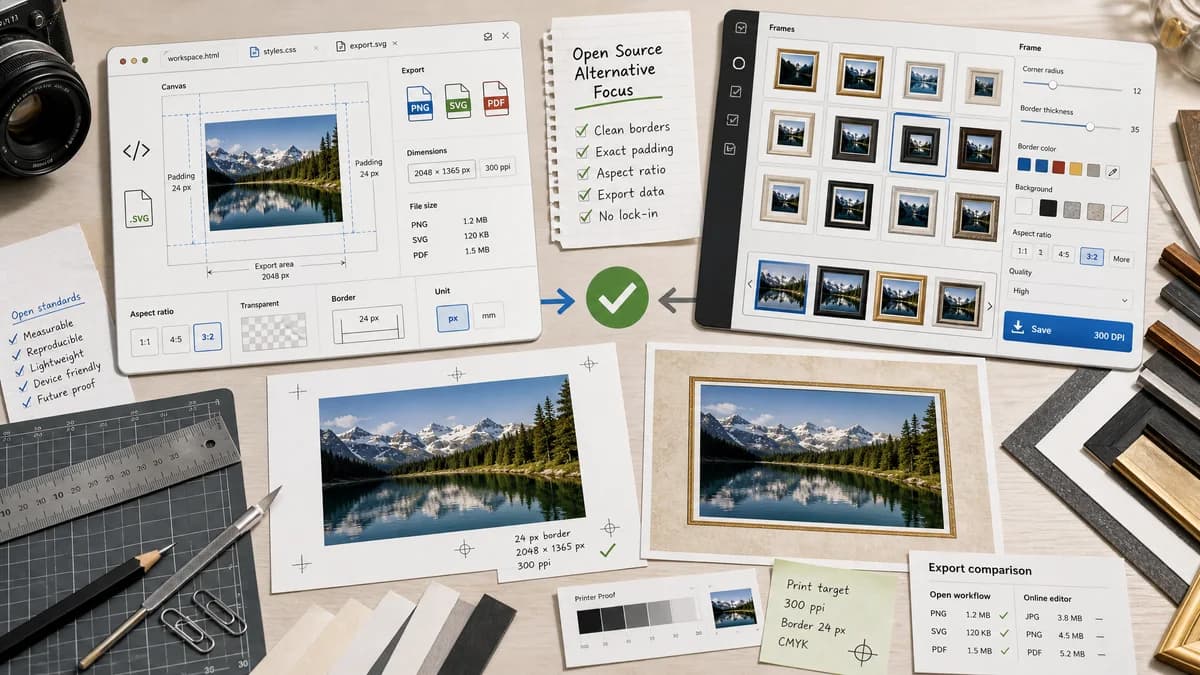
Why Photo Border Maker fits
TextFaker focuses on clean borders, matting, aspect-ratio padding, and measurable export data rather than a large decorative frame catalog.
What Fotor offers
Fotor's official frame editor offers frame styles, aspect-ratio options, colors, thickness, corner radius, and high-resolution saving.
Open alternative signals
Frame library
Photo Border MakerLimited presets optimized for exact output and validation.
FotorLarge style library with decorative frame options.
Local privacy
Photo Border MakerSource image remains in browser memory until download.
FotorOnline editor workflow.
Print readiness
Photo Border MakerDPI, inches/mm, bleed, safe-zone, and border status can be explicit.
FotorFrames and ratios are presented as editor features.
Automation
Photo Border MakerExposes copy-ready settings and predictable filenames.
FotorBetter suited to manual design selection.
Decision guide
Precise, private border creation with deterministic result fields.
Users who want a larger library of decorative frames, AI editing, and visual styling tools.
Side-by-side open source alternative comparison
| Decision point | Photo Border Maker | Fotor | Takeaway |
|---|---|---|---|
| Border style | Our workflowSolid, transparent, rounded, mat, and Polaroid-style borders with exact numeric settings. | Proprietary workflowMany curated frame styles and visual effects. | Fotor wins on variety; TextFaker is strongest on precision. |
| Output data | Our workflowShows generated dimensions, MIME type, Blob size, and validation status. | Proprietary workflowFocuses on visual editor controls and high-resolution export. | TextFaker makes every output testable. |
| Use without account | Our workflowCore local operation is immediate. | Proprietary workflowFull Fotor workflows may involve the hosted editor and account features. | A no-friction tool is useful for quick border tasks. |
| Social presets | Our workflowIncludes exact 1:1, 4:5, 9:16, 16:9, and custom presets. | Proprietary workflowFotor describes common social ratios and custom dimensions. | Match the practical preset set while exposing more validation data. |
| Mobile | Our workflowNumeric steppers, sliders, and download buttons are optimized for phones. | Proprietary workflowFotor has app and web editing experiences. | TextFaker must stay simple and touch-friendly. |
| Aesthetic decisions | Our workflowNo human judgment needed for tests; verify values and output file properties. | Proprietary workflowDecorative frame selection is subjective. | Keep automated QA separate from visual taste. |
Detailed research
Demand Angle
Fotor's own product copy validates a market for border width, color, ratio, and corner controls. User discussions validate the need for simple solid border creation outside one product ecosystem.
- Support both social and print framing workflows.
- The math is visible enough that users can trust the result before downloading.
Implementation Notes
For Fotor-like comparisons, the TextFaker feature provides fewer decorative assets and stronger deterministic controls.
- Use Canvas fillRect for borders and drawImage for fitted/cropped images.
- Expose values in pixels plus physical units when DPI is entered.
Testing
Automated tests generate a known fixture image, apply a 20 px border, and verify the output image dimensions and corner pixel color.
- Test transparent PNG border preservation.
- Test JPEG export matte color for alpha sources.
Content Angle
The page explains that users choosing Fotor for a full editor may still prefer Fotor, while users who need a precise border uses the focused browser tool.
Research notes
- Fotor's official page mentions standard, widescreen, and custom ratios plus border color, thickness, and corner radius.
- The App Store listing for Fotor also references border color, border designs, width adjustment, shadow effect, and rounded corners.
- Public photography discussions mention people choosing apps like Picsart, Lightroom, Photoshop, and simple web tools for solid borders, indicating a common workflow rather than a single-product need.
Official source
The proprietary product link is included once here for source checking after the alternative analysis.
Official Fotor source