
PNG to JPG Converter vs iLoveIMG
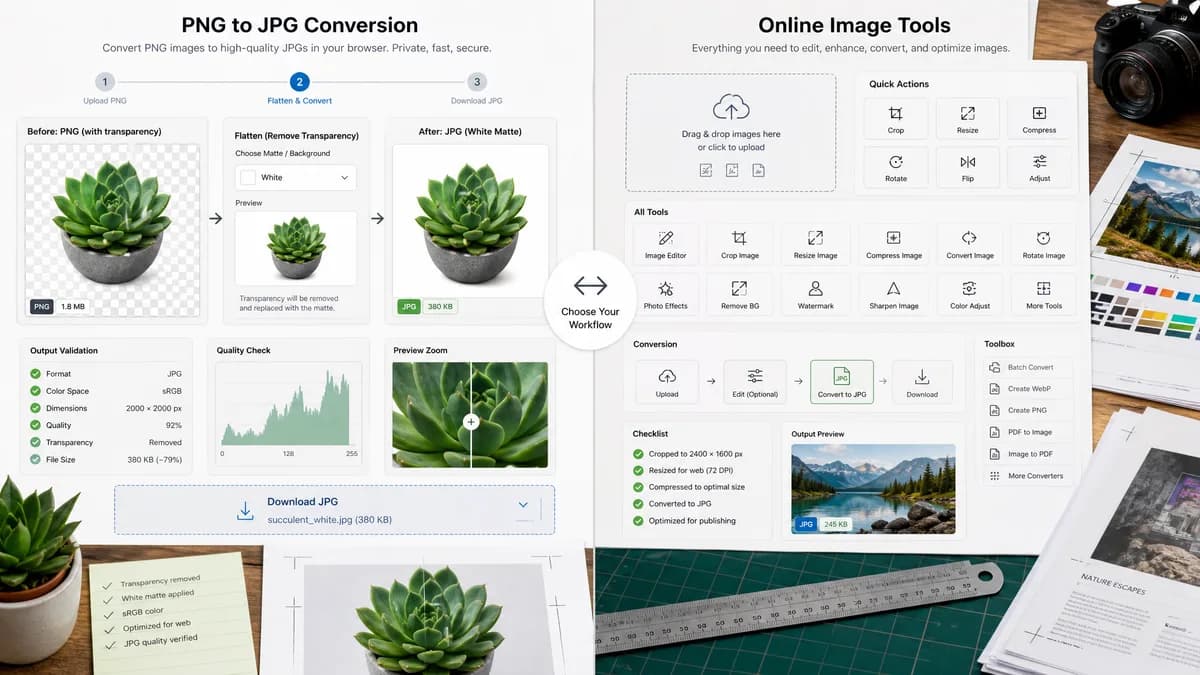
PNG to JPG Converter is the baseline in this comparison: Convert a PNG image to JPG in your browser, choose the JPEG quality and matte color for transparency, then confirm image/jpeg MIME, .jpg filename, dimensions, file size, and Blob status before download.
TextFaker can provide a browser-local PNG-to-JPG alternative with explicit JPEG output and matte handling for transparent PNGs.
Quick verdict
PNG to JPG Converter is the better fit when the job is a focused browser-local PNG to JPG conversion with visible JPEG output checks and explicit transparency flattening. iLoveIMG is still a better fit when the user needs the broader online image conversion and editing service workflow around the same conversion.
How PNG to JPG Converter fits
TextFaker's PNG to JPG Converter should be a dedicated local conversion page. Its differentiators should be no-upload local processing, explicit alpha flattening, and objective output validation.
How iLoveIMG fits
iLoveIMG offers a PNG to JPG conversion page within a larger image tool suite that includes conversion, compression, resize, and editing utilities.
Side-by-side comparison
| Decision point | PNG to JPG Converter | iLoveIMG | Takeaway |
|---|---|---|---|
| Privacy | Our workflowKeep conversion in the browser for supported files. | Competitor workflowHosted image conversion workflow. | TextFaker should lead with local processing. |
| Suite breadth | Our workflowOnly PNG to JPG on this page. | Competitor workflowMany image tools in one service. | iLoveIMG remains better for multi-step hosted image workflows. |
| Alpha handling | Our workflowVisible matte control and explanation. | Competitor workflowJPG output from service workflow. | Transparency clarity is a practical advantage. |
| Technical metadata | Our workflowDisplay MIME type, filename, dimensions, size, and Blob status. | Competitor workflowUser primarily receives a converted file. | TextFaker can serve users who need conversion evidence. |
| Testing | Our workflowDeterministic UI strings and output assertions. | Competitor workflowExternal web UI outside TextFaker control. | The route should be easy to verify with unit and browser tests. |
| Image generation | Our workflowGenerate the JPEG via canvas or equivalent browser encoder after compositing transparency. | Competitor workflowGenerated output is produced by the service flow. | Local generation supports the privacy claim. |
Use PNG to JPG Converter when
- Browser-local PNG to JPG conversion for private or unpublished images.
- Checking image/jpeg MIME, .jpg filename, dimensions, file size, and generated Blob details after conversion.
- Flattening transparent PNG pixels against an explicit matte before downloading the JPG.
Use iLoveIMG when
- Users who want a hosted image tool suite and adjacent operations beyond PNG to JPG.
- Users who already work inside iLoveIMG or need its broader hosted workflow.
- Cases where account-based, batch, editor, cloud, marketplace, or multi-format features matter more than a focused local utility.
Detailed comparison
Alternative Story
This is a strong alternative page because iLoveIMG users often want quick image utilities. TextFaker can serve the same immediate conversion intent while staying local and technical.
UX Requirements
The UI should show a before/after preview when practical, especially for transparent images where the matte changes visible output.
- Matte swatch.
- Quality control if supported.
- Download JPG.
Content Constraints
Do not say that JPEG keeps transparent pixels. Say the tool removes alpha by flattening against the selected background.
Validation
Tests should confirm the generated file is a JPEG Blob and not a renamed PNG.
- Blob.type equals image/jpeg.
- Filename ends in .jpg.
- Dimensions match input.
Research notes
- Official iLoveIMG URL confirms a PNG to JPG converter.
- iLoveIMG offers recommended quality and premium high quality options on the converter page.
- iLoveIMG is proprietary software in the hosted image utility category.
Official source
The only outbound competitor link on this page is placed here for source checking after the comparison.
Official iLoveIMG source