
PNG to WebP Converter vs Cloudinary
PNG to WebP Converter is the baseline in this comparison: Convert PNG images to WebP locally with image/webp output checks, .webp filenames, preserved dimensions, transparency handling, and adjustable quality.
Cloudinary provides a PNG to WebP web tool and also promotes programmable image conversion through its API and media platform.
Quick verdict
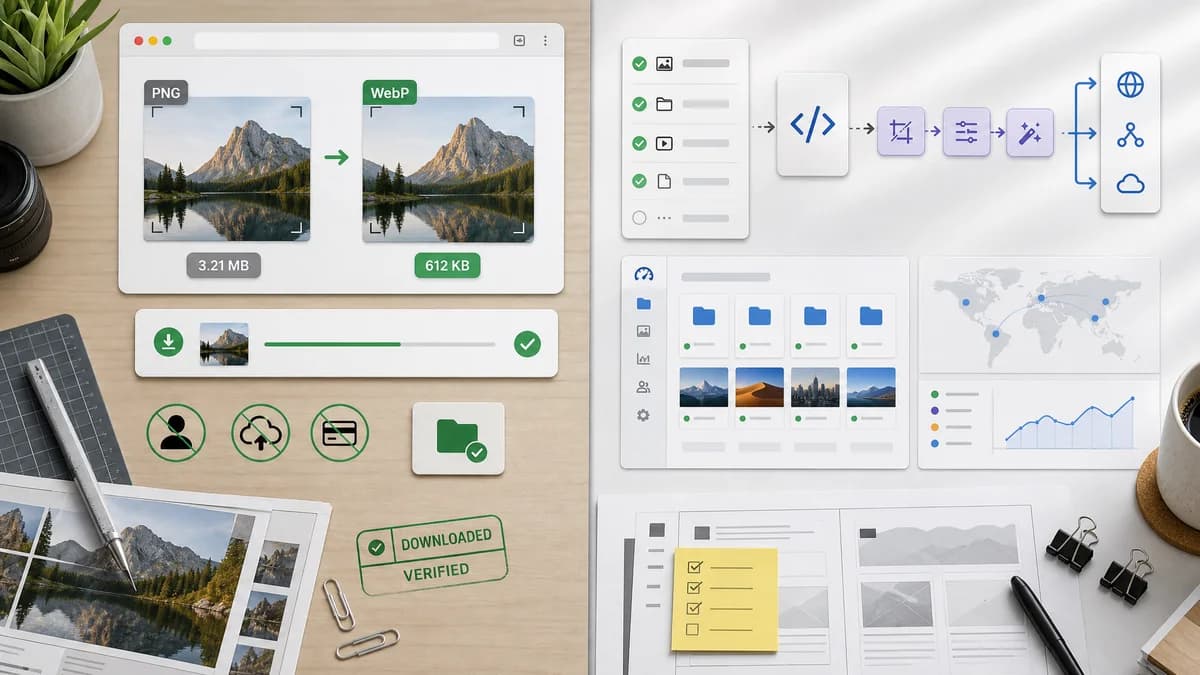
TextFaker is better for ad hoc local conversion and verifiable downloaded WebP output. Cloudinary is better for production image delivery pipelines and API-based transformation at scale.
How PNG to WebP Converter fits
TextFaker be a local utility for converting a PNG already on the user's device, with no account, upload pipeline, CDN integration, or API setup required.
How Cloudinary fits
Cloudinary is much broader than a converter. Its PNG to WebP page is an entry point into a platform for programmatic image transformation and delivery.
Side-by-side comparison
| Decision point | PNG to WebP Converter | Cloudinary | Takeaway |
|---|---|---|---|
| Use case | Our workflowManual browser-local conversion and download. | Competitor workflowOnline tool plus broader programmable image delivery platform. | Cloudinary serves infrastructure workflows; TextFaker serves local utility workflows. |
| Account/API path | Our workflowNo account or API setup needed for local conversion. | Competitor workflowPublic page promotes API signup for programmatic conversion. | TextFaker stay frictionless. |
| Output verification | Our workflowShows image/webp MIME, .webp filename, dimensions, and generated Blob. | Competitor workflowPlatform conversion emphasizes delivery and transformation. | TextFaker be more transparent about the local file result. |
| Quality slider | Our workflowSingle WebP quality control in the UI. | Competitor workflowCloudinary has richer transformation options in its platform context. | Cloudinary wins at scale; TextFaker wins at simplicity. |
| Transparency | Our workflowTransparent PNG handling is explicitly tested. | Competitor workflowWebP support is part of the broader image format story. | TextFaker address designers and front-end developers with alpha assets. |
| Dimensions | Our workflowPreserved dimensions are an acceptance criterion. | Competitor workflowCloudinary commonly supports transformations, resizing, and delivery variants. | TextFaker make no-resize conversion predictable. |
Use PNG to WebP Converter when
- One-off local PNG to WebP conversion
- Users who need a downloaded .webp file now
- Verifying transparent PNG output before use
Use Cloudinary when
- Production image transformation pipelines
- CDN-backed media optimization
- Developers needing programmable conversion APIs
Detailed comparison
Platform Difference
Cloudinary does not be treated as just another small converter. Its real strength is automated image transformation and delivery. TextFaker not try to compete with that platform scope.
Ad Hoc Conversion
For a user who has one PNG and wants one WebP download, a browser-local TextFaker page is lighter than using a media platform workflow.
Developer Trust
Cloudinary is trusted by developers for production media pipelines. TextFaker can build trust differently by exposing the exact generated file properties in the browser.
- Generated Blob exists.
- Output MIME is image/webp.
- Dimensions match source.
SEO Copy
The dedicated TextFaker page is explicit that it is not a CDN or image hosting product; it converts and downloads local WebP files.
Research notes
- Cloudinary's page includes a free PNG to WebP converter and a prompt for programmatic conversion through its API.
- TextFaker not make API or CDN claims for this tool.
- This comparison helps clarify the difference between a local converter and production media delivery.
Official source
The only outbound competitor link on this page is placed here for source checking after the comparison.
Official Cloudinary source