
Print Bleed Border Checker vs Markzware FlightCheck
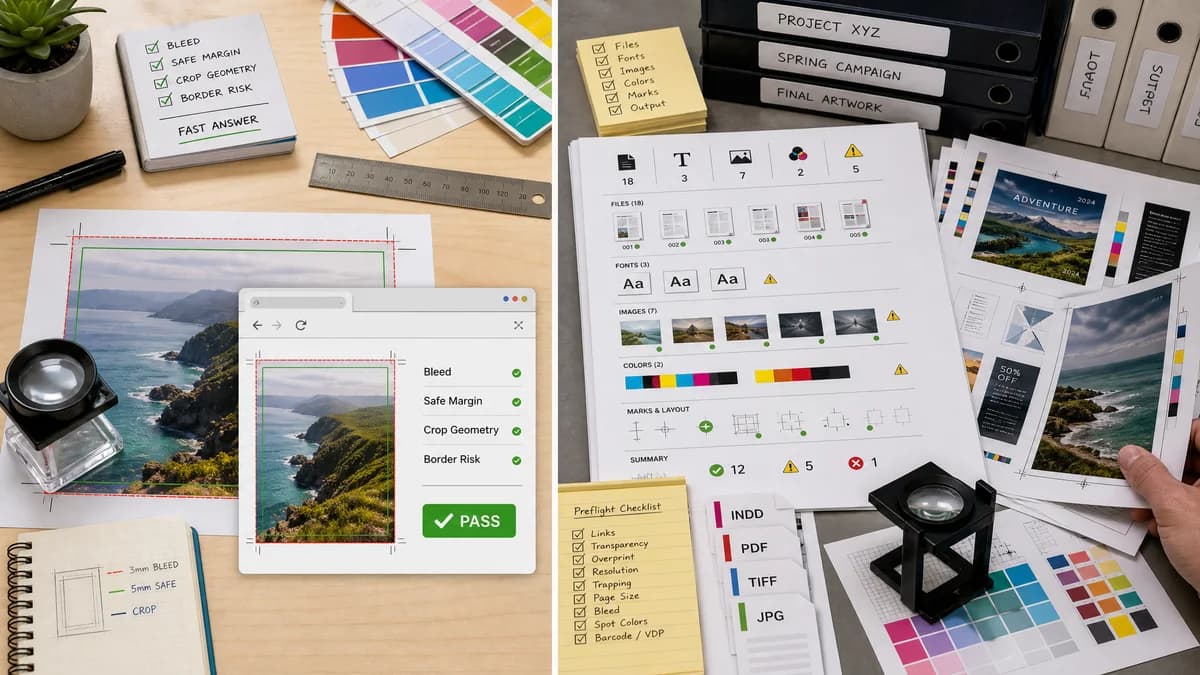
Print Bleed Border Checker is the baseline in this comparison: Check image trim size, bleed, safe zone, borders, and print dimensions locally before sending artwork to a printer.
FlightCheck is a standalone preflight application that inspects colors, fonts, images, and other print-readiness details in PDF and desktop publishing files.
Quick verdict
FlightCheck is better for full production inventory; TextFaker is better for a fast, narrow, browser-based bleed and border answer.
How Print Bleed Border Checker fits
Print Bleed Border Checker is designed to be a targeted web utility for checking bleed, safe margins, crop geometry, and border risks in common print files without installing preflight software.
How Markzware FlightCheck fits
FlightCheck is built for comprehensive print quality control across professional file types and prepress workflows.
Side-by-side comparison
| Decision point | Print Bleed Border Checker | Markzware FlightCheck | Takeaway |
|---|---|---|---|
| Installation | Our workflowRuns in the browser. | Competitor workflowStandalone desktop application. | TextFaker lowers friction for occasional users. |
| Check breadth | Our workflowBleed, trim, safe zone, dimensions, border width, and optional crop/pad output. | Competitor workflowColors, fonts, images, PDF and DTP document details, and more. | FlightCheck is broader; TextFaker is more focused. |
| Mobile use | Our workflowCan be designed mobile-friendly for phone image checks. | Competitor workflowDesktop preflight software. | TextFaker can serve casual and on-the-go workflows. |
| Determinism | Our workflowShows exact calculations and rule thresholds. | Competitor workflowProvides professional preflight findings based on configured controls. | Both can be deterministic, but TextFaker can expose simpler web-test assertions. |
| User language | Our workflowPlain messages: 'file is 75 px too narrow for 0.125 in bleed at 300 DPI'. | Competitor workflowProfessional prepress terminology. | TextFaker should translate print concepts for general users. |
| Output artifacts | Our workflowDownload annotated proof and optionally cropped trim preview. | Competitor workflowPreflight reports, inventory, and package-related outputs. | TextFaker artifacts should help users communicate with printers or sellers. |
Use Print Bleed Border Checker when
- Checking a single exported image or PDF
- Users who need one clear report rather than a full preflight inventory
- Mobile-friendly inspection before placing a print order
- Support-friendly copyable validation results
Use Markzware FlightCheck when
- Prepress teams checking many print-production details
- Document inventory and packaging workflows
- PDF and DTP file inspection
- Professional quality-control environments
Detailed comparison
Demand Signal
Markzware's product positioning around print-ready documents confirms that preflight catches real errors before print. Public discussions show the same errors create confusion for non-professional users.
- Common questions involve safe area, bleed, and border appearance.
- A focused checker can address the subset most visible to consumers.
Product Gap
FlightCheck is not a simple web page for someone with one poster or invitation image. TextFaker can answer whether that one file matches the requested size and margins.
- Single-file oriented.
- No packaging workflow.
Implementation Fit
Local measurement can be implemented with Canvas image decoding and deterministic geometry. PDF support can render pages and inspect page boxes when available.
- Start image-first to match TextFaker's existing image tool cluster.
- Add PDF box reporting if it fits existing PDF utilities.
Comparison Tone
The comparison should not frame FlightCheck as inadequate; it is a professional category. The TextFaker argument is accessibility and speed for a narrower task.
Research notes
- Markzware official page describes FlightCheck as standalone quality-control software for PDF and DTP files.
- Markzware white-paper material mentions checks such as bleed, fonts, colors, and image resolution.
- TextFaker's differentiated value is a focused, no-install checker.
Official source
The only outbound competitor link on this page is placed here for source checking after the comparison.
Official Markzware FlightCheck source