
Open Source Alternatives to Adobe Express
Wallet Photo Sheet Maker is a browser-based alternative for users who need this focused result without installing a proprietary desktop app or entering a larger hosted workflow.
This research compares that workflow with Adobe Express while keeping the outbound source link at the bottom after the analysis.
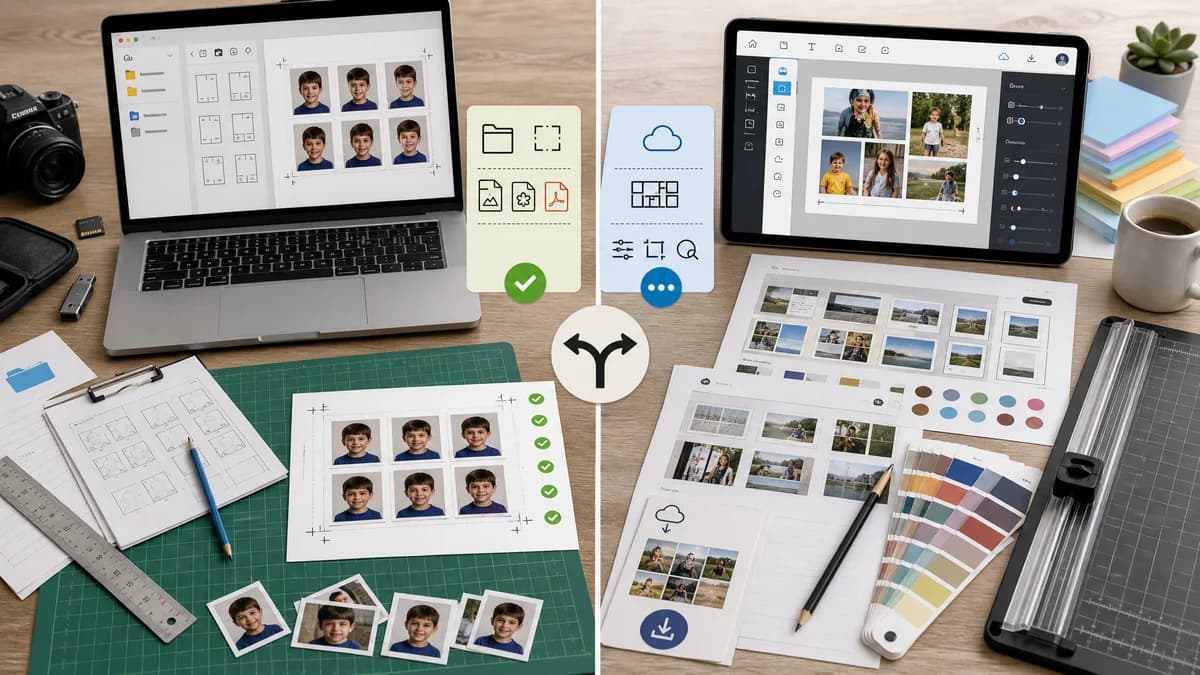
Why Wallet Photo Sheet Maker fits
TextFaker can offer deterministic wallet sheet presets, local photo handling, and exact export validation using browser canvas and open file standards.
What Adobe Express offers
Adobe Express offers online photo collage creation, quick actions, editing, templates, and downloadable designs.
Open alternative signals
Task focus
Wallet Photo Sheet MakerOne-purpose wallet sheet creation.
Adobe ExpressGeneral collage and design creation.
Local-first
Wallet Photo Sheet MakerPhotos can be decoded and composed locally.
Adobe ExpressCloud service workflow is central.
Manual steps
Wallet Photo Sheet MakerPreset calculates page and slot sizes automatically.
Adobe ExpressUsers may need to choose templates or manually size canvases for print-specific layouts.
Deterministic output
Wallet Photo Sheet MakerSame inputs and settings produce stable dimensions and manifest data.
Adobe ExpressCreative editor state can vary widely.
Decision guide
Users who want precise print layout, no account-heavy workflow, and testable PNG/manifest outputs.
Users who need broad design tools, Adobe ecosystem features, stock assets, and template-driven creative workflows.
Side-by-side open source alternative comparison
| Decision point | Wallet Photo Sheet Maker | Adobe Express | Takeaway |
|---|---|---|---|
| Ease for wallet sheets | Our workflow4-up wallet sheet preset requires minimal choices. | Proprietary workflowCollage maker is broad and template-driven. | TextFaker can be simpler for print utility work. |
| Creative power | Our workflowLimited to practical photo sheet controls. | Proprietary workflowTemplates, editing, and design assets are richer. | Adobe Express is better for styled designs. |
| Privacy | Our workflowLocal generation avoids service upload for the layout step. | Proprietary workflowUploaded images are part of the web app workflow. | TextFaker is stronger for private family images. |
| Validation | Our workflowManifest, dimensions, slot data, and hash are visible. | Proprietary workflowNo dedicated wallet-sheet manifest. | TextFaker supports automated tests. |
| Print readiness | Our workflowPrint-specific dimensions and DPI warnings are core. | Proprietary workflowGeneral exports may need separate print setup. | TextFaker is better for mechanical print prep. |
| Mobile workflow | Our workflowCan be optimized around camera-roll selection and sheet download. | Proprietary workflowMobile design app supports many workflows. | Focused UI reduces steps. |
Detailed research
User Evidence
Adobe Community posts show that users struggle with exact 2x3-on-4x6 setup in a professional-style editor. A preset utility can remove that complexity.
- Auto-create the 4x6 canvas.
- Auto-place four 2x3 cells.
- Let users swap images without layer management.
Implementation
Use explicit controls and avoid nondeterministic automatic template shuffling.
- Rows and columns are chosen from presets.
- Crop mode is deterministic: fit, fill, or stretch.
- Export includes the same layout manifest every time for the same inputs.
Testing
Synthetic images can make slot verification simple.
- Draw red, green, blue, and yellow fixtures into the four cells.
- Assert center pixels match expected colors.
- Assert cut-line pixels match chosen line color.
Positioning
The comparison should respect Adobe Express as a creative tool while emphasizing TextFaker as a local print utility.
Research notes
- Official Adobe Express page describes a free collage generator with uploaded photos and downloadable collage output.
- Adobe Community threads show users asking how to manually create four wallet-size photos on a 4x6 canvas in Adobe tools, indicating the task can be confusing in general editors.
- The TextFaker implementation should convert that multi-step manual canvas process into preset-driven rendering with visible validation.
Official source
The proprietary product link is included once here for source checking after the alternative analysis.
Official Adobe Express source