
WebP to JPG Converter vs FreeConvert
WebP to JPG Converter is the baseline in this comparison: Convert a WebP image to JPG in your browser, choose JPEG quality and matte color for transparent pixels, then confirm image/jpeg MIME, .jpg filename, dimensions, file size, and Blob status before download.
FreeConvert provides an online WebP to JPG converter with batch conversion and claims uploaded files are deleted after a few hours.
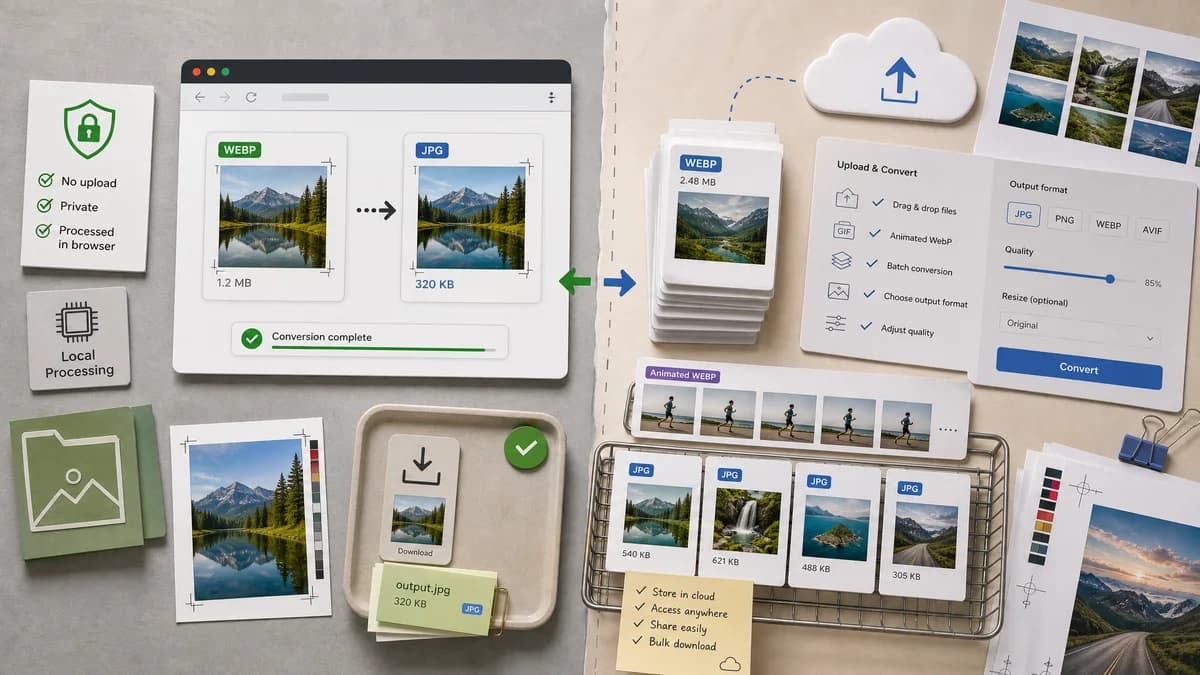
Quick verdict
TextFaker can beat FreeConvert for users who do not want to upload files, but FreeConvert remains relevant for batch and animated WebP conversion claims.
How WebP to JPG Converter fits
TextFaker should answer the same conversion need without server-side deletion promises because files should remain local from the start.
How FreeConvert fits
FreeConvert is approachable and supports batch and animated WebP workflows. It is still an upload-based tool, so it competes less directly on privacy than on convenience.
Side-by-side comparison
| Decision point | WebP to JPG Converter | FreeConvert | Takeaway |
|---|---|---|---|
| File handling | Our workflowNo server upload should be needed. | Competitor workflowFreeConvert says files are deleted after a few hours. | Local processing is a stronger privacy story than post-upload deletion. |
| Animated WebP | Our workflowDedicated static image path should define behavior for animated WebP, likely first frame or unsupported. | Competitor workflowFreeConvert states it supports animated WebP files. | TextFaker must be explicit about animated WebP handling. |
| Output proof | Our workflowShow generated Blob, image/jpeg MIME, dimensions, and .jpg filename. | Competitor workflowConversion flow focuses on choose, convert, download. | TextFaker should appeal to users who need objective confirmation. |
| Quality | Our workflowDirect JPEG quality slider. | Competitor workflowFreeConvert says WebP files are converted to JPG in high quality. | A visible slider is more controllable than a general quality claim. |
| Transparency | Our workflowUse an explicit matte/background setting. | Competitor workflowTransparency behavior is not prominent in the researched snippet. | This is a strong feature gap to cover. |
| User fit | Our workflowSingle-purpose browser-local utility. | Competitor workflowBroad hosted converter. | TextFaker should minimize steps and avoid account-style friction. |
Use WebP to JPG Converter when
- Sensitive or unpublished WebP files
- Immediate local JPEG output checks
- Clear matte behavior for transparent source images
Use FreeConvert when
- Hosted batch conversion
- Animated WebP conversion workflows
- Users who want a general-purpose conversion site
Detailed comparison
Animated WebP
FreeConvert mentions animated WebP support. TextFaker should not leave this ambiguous; tests should cover the expected behavior for animated WebP input.
Privacy
The best counter-positioning is that local conversion avoids upload, retention, deletion windows, and server trust questions.
Quality
A JPEG quality slider should update output size and be included in deterministic copy/download text.
Generated Image
Use generated animated-looking but static WebP fixture art to explain whether TextFaker converts a still frame or rejects animation.
Research notes
- Official page describes a three-step choose, convert, download flow.
- Official page states batch conversion support.
- Official page says files are deleted after a few hours for security and privacy.
Official source
The only outbound competitor link on this page is placed here for source checking after the comparison.
Official FreeConvert source